4K • Ultra-Wide
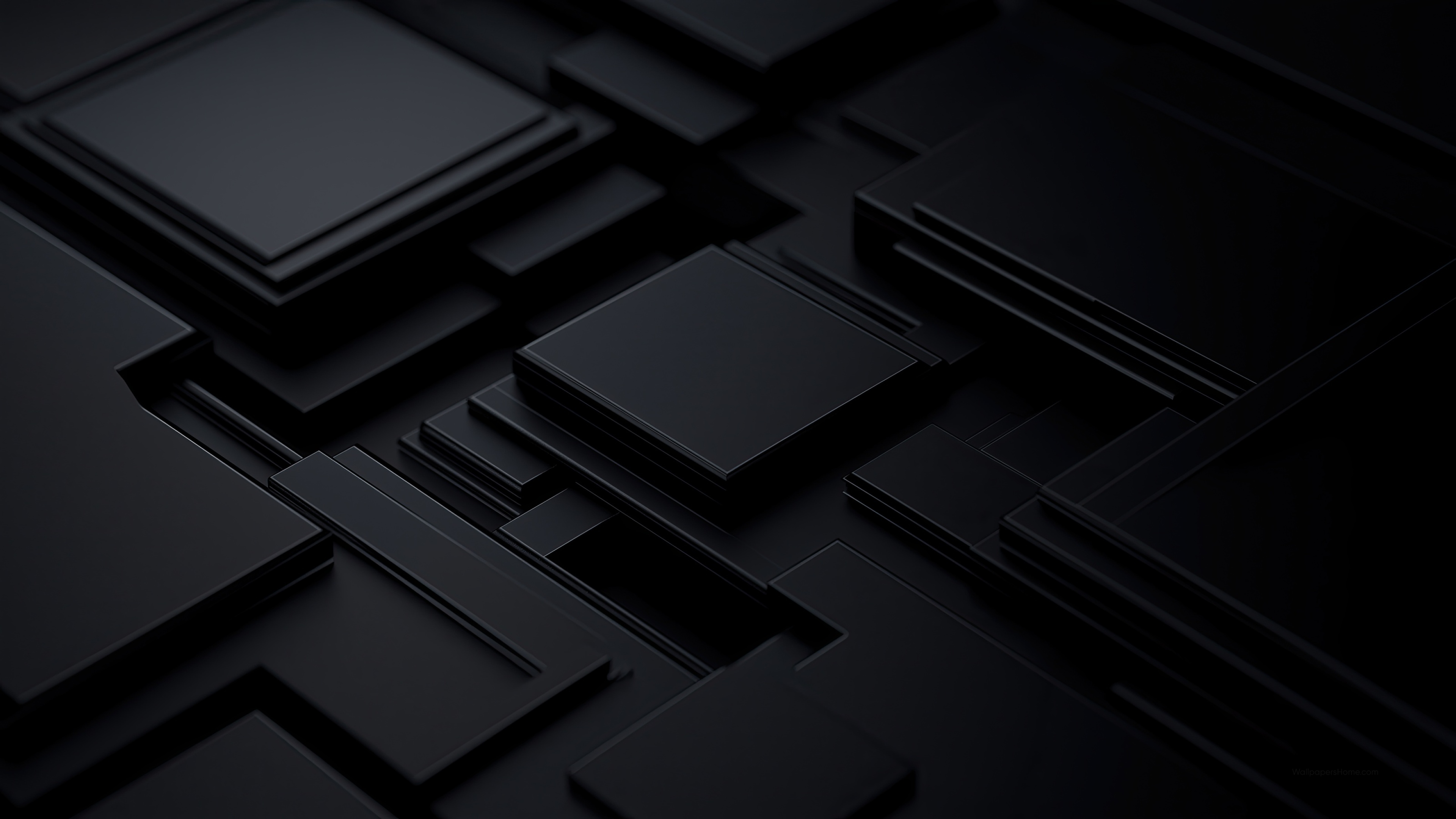
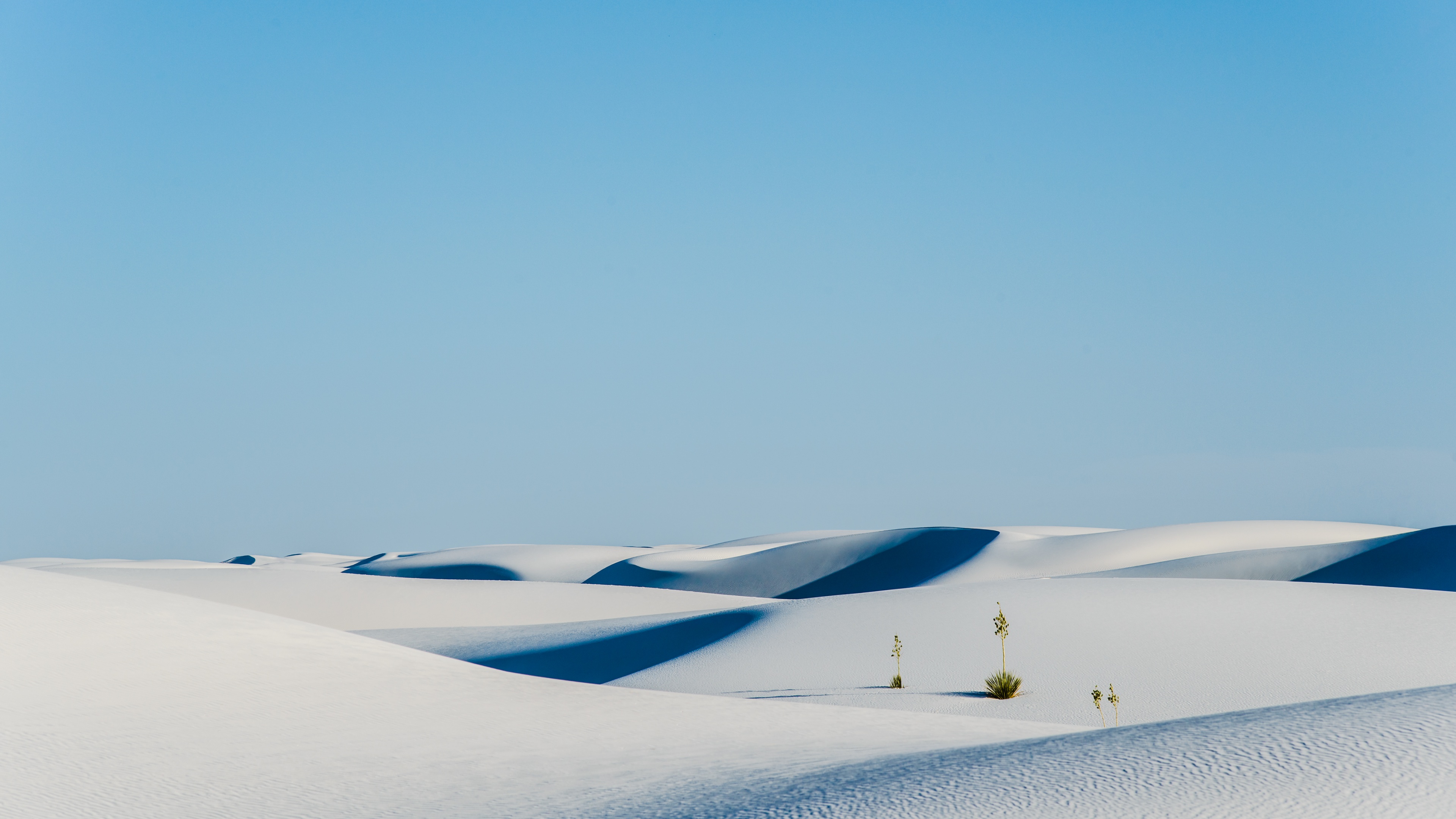
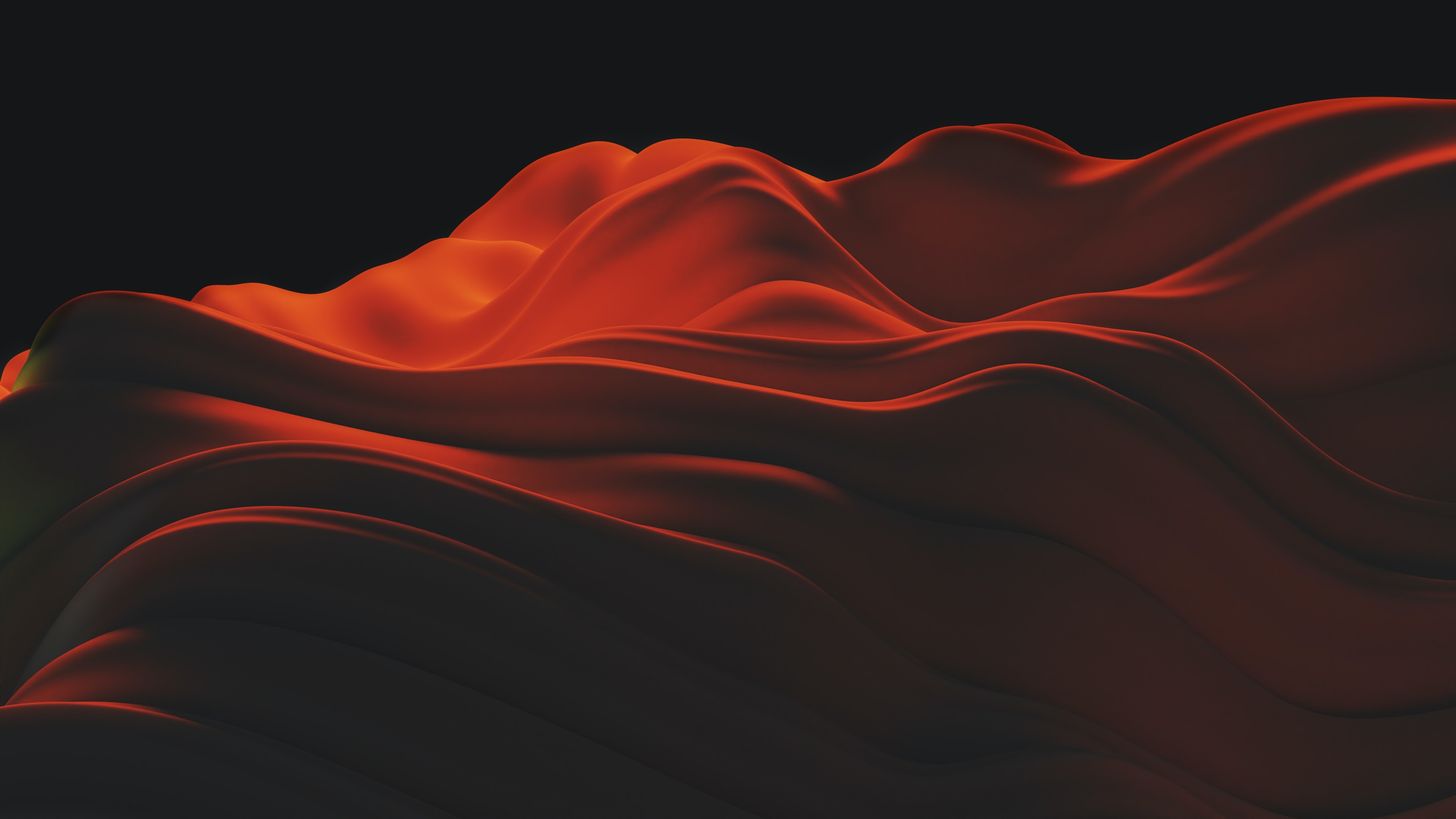
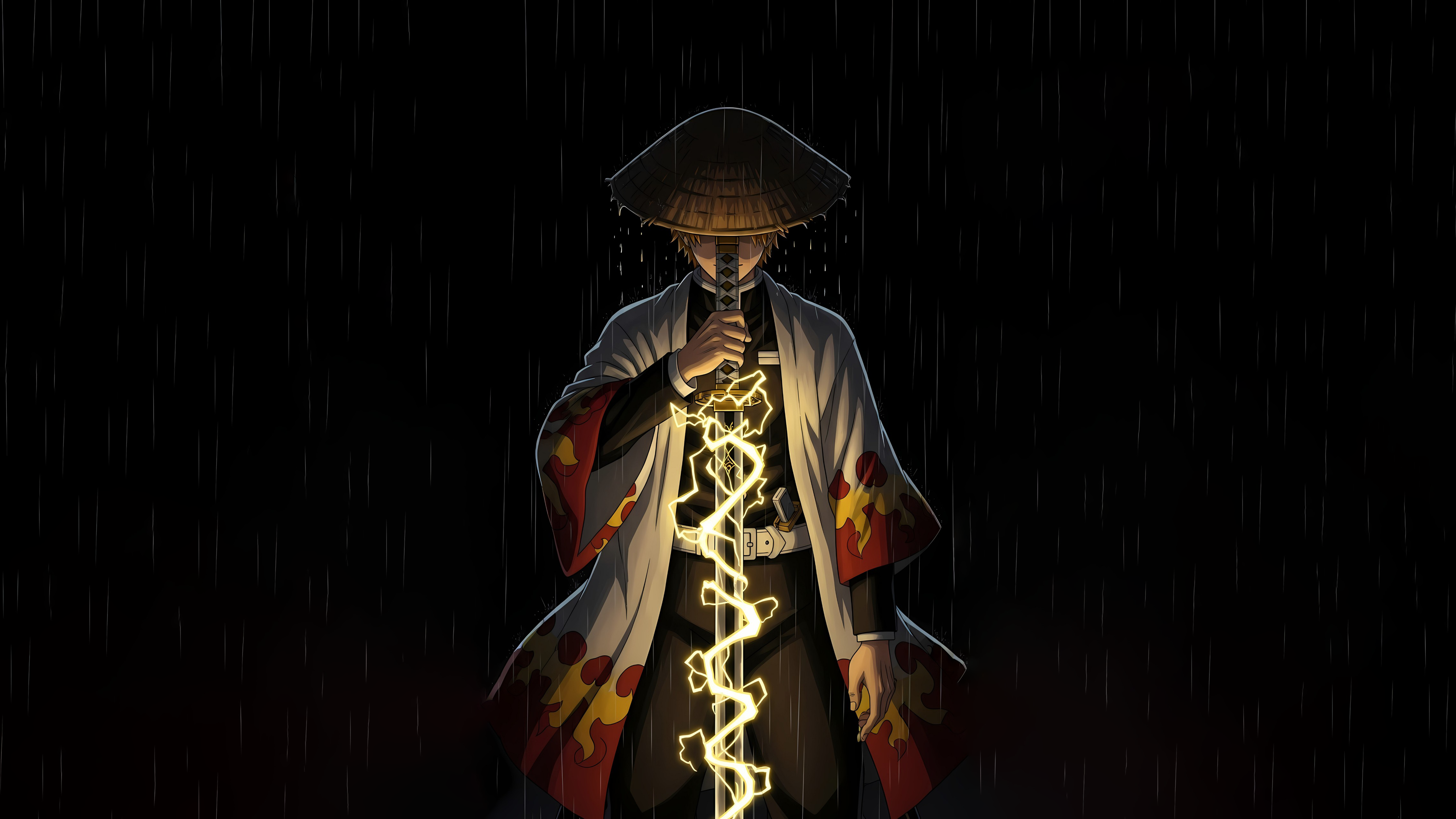
Dual-monitor wallpapers need wide framing, balanced composition, and enough visual flow to stretch naturally across two screens. This device hub focuses on panoramic backgrounds that help a multi-monitor setup feel clean, immersive, and intentional.
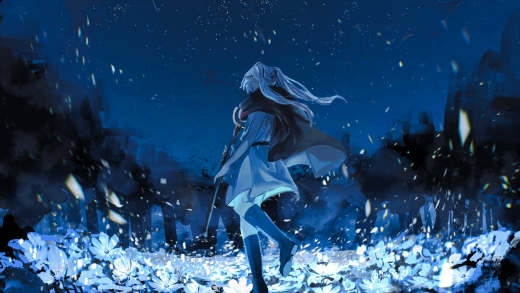
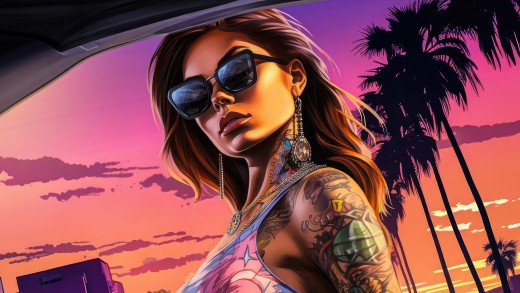
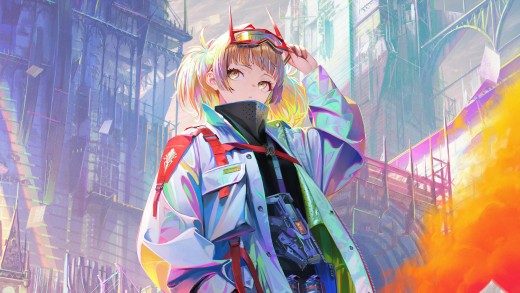
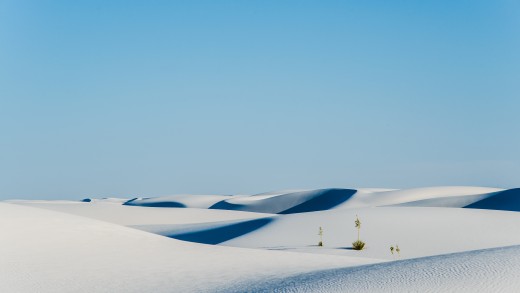
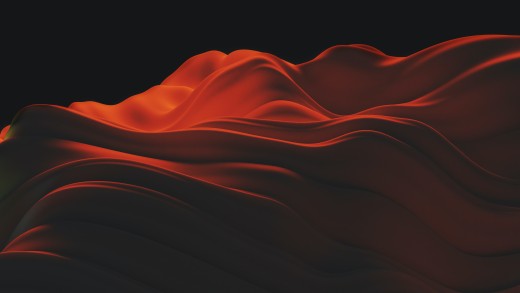
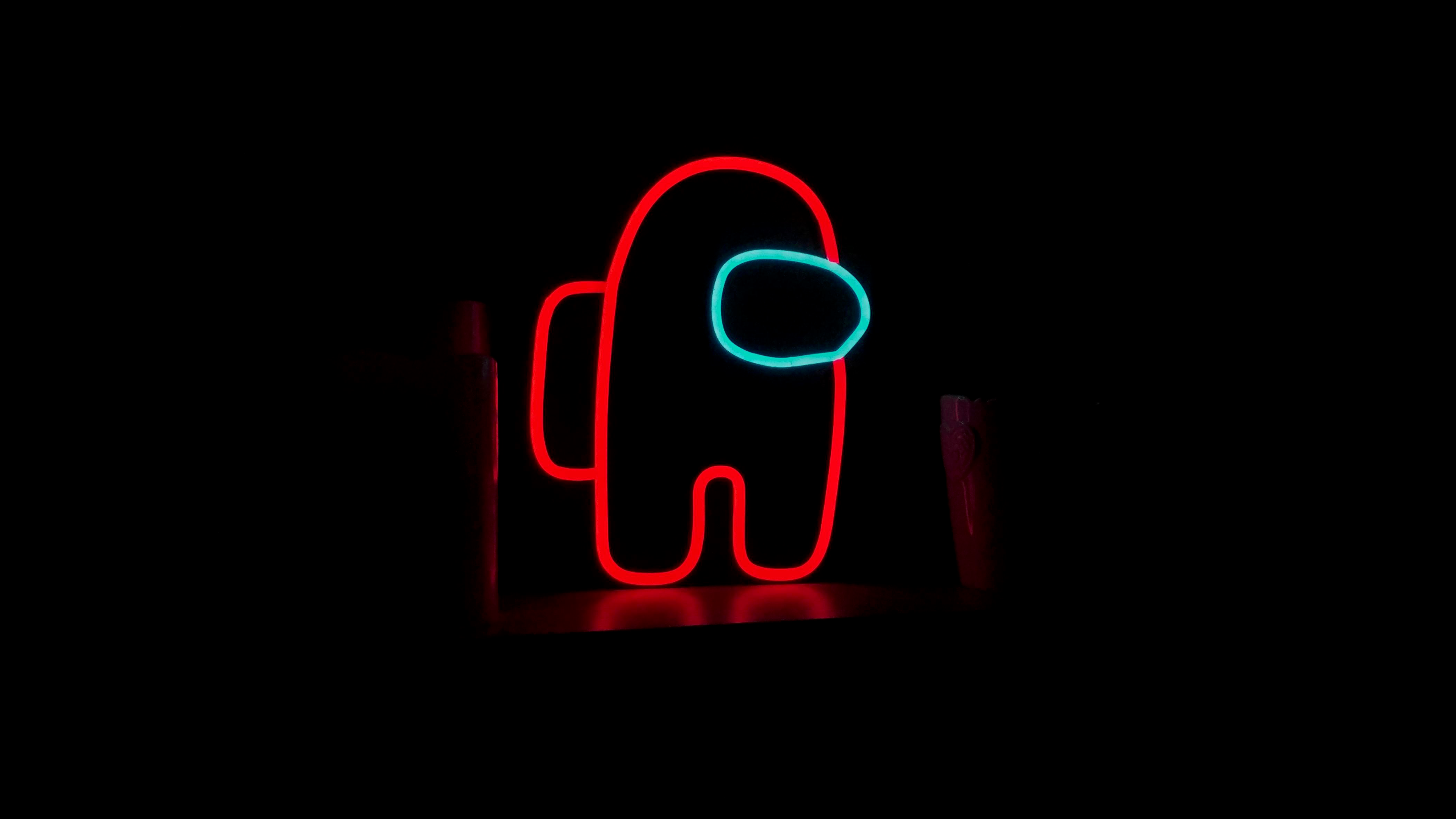
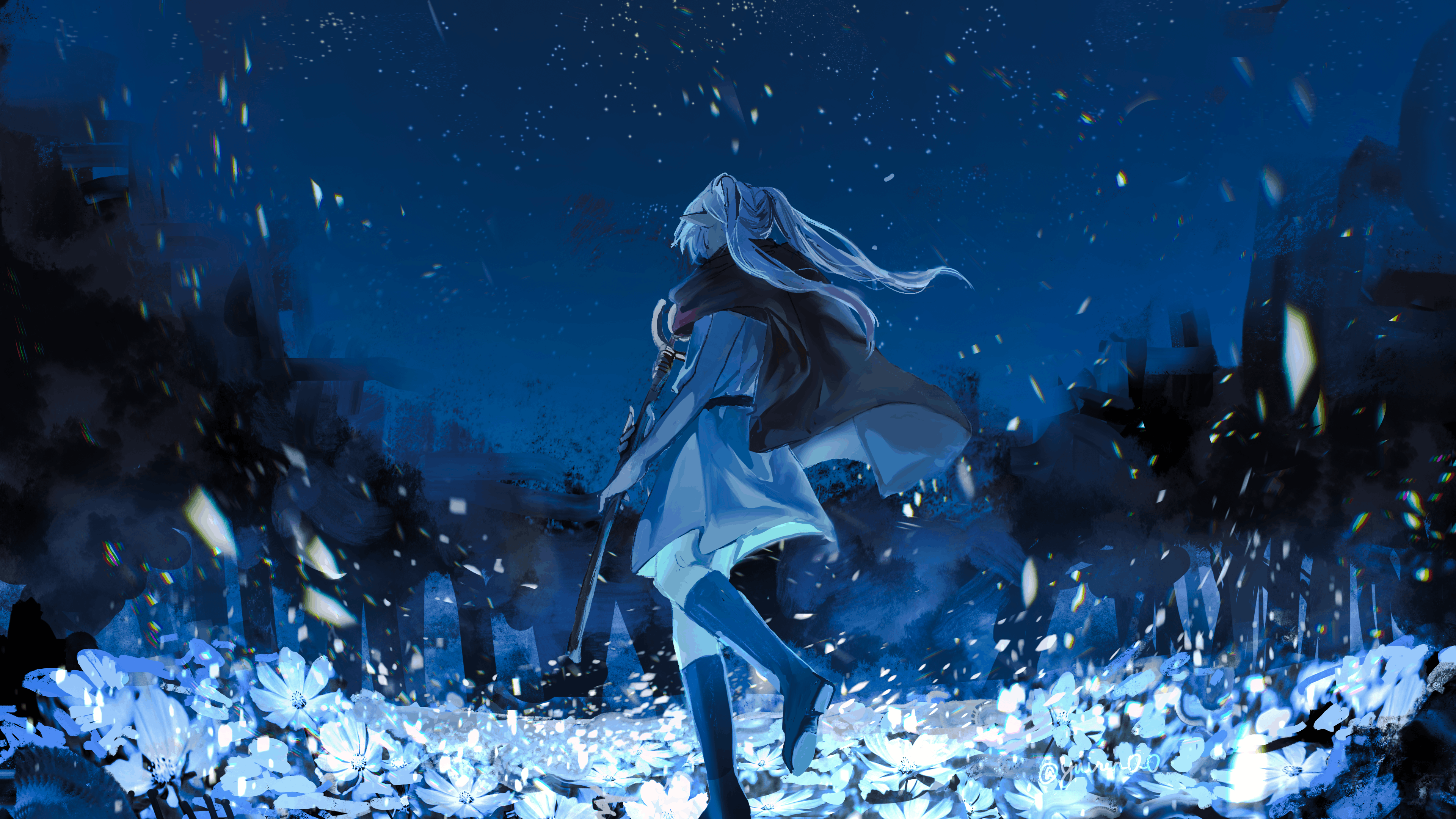
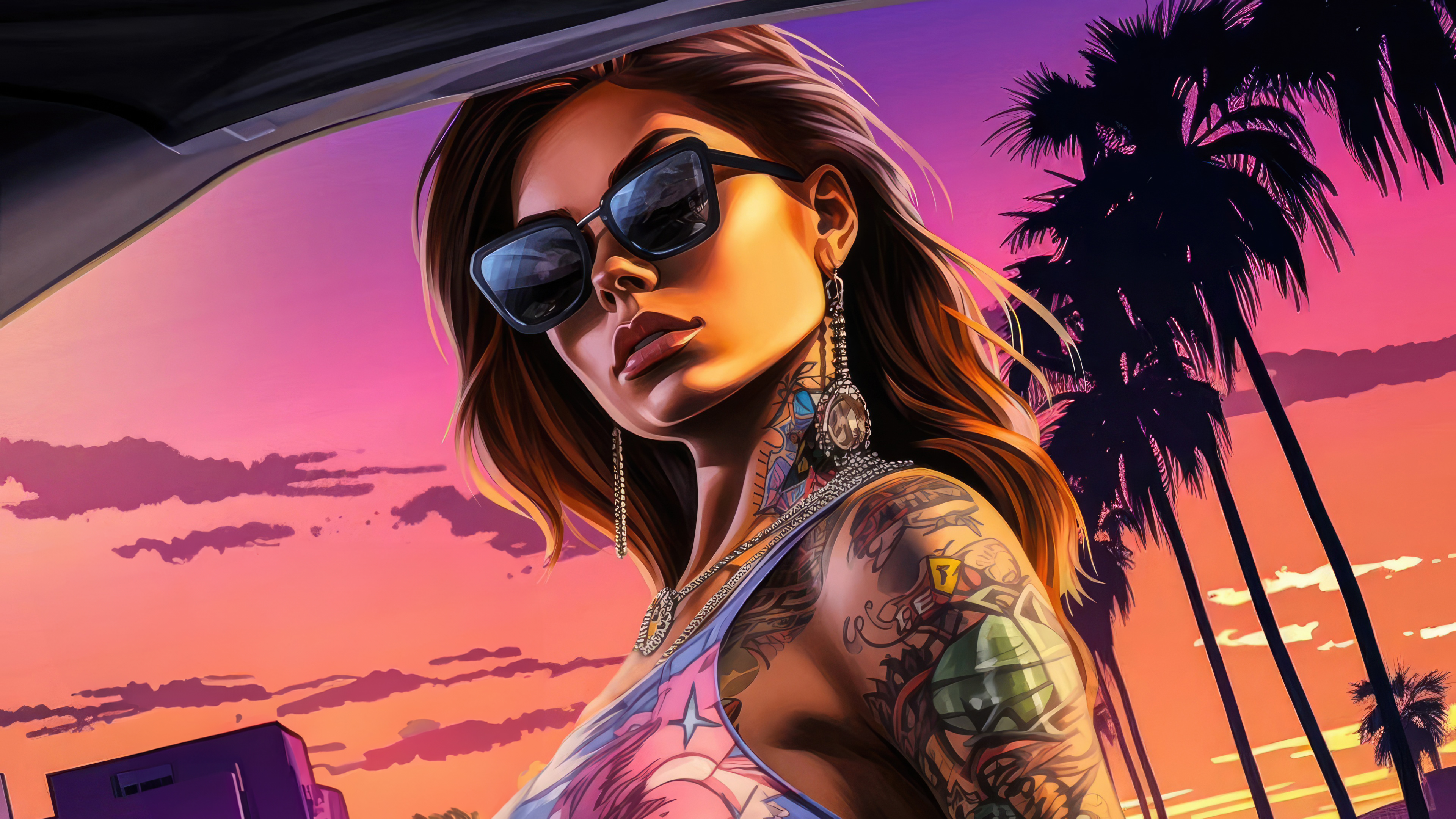
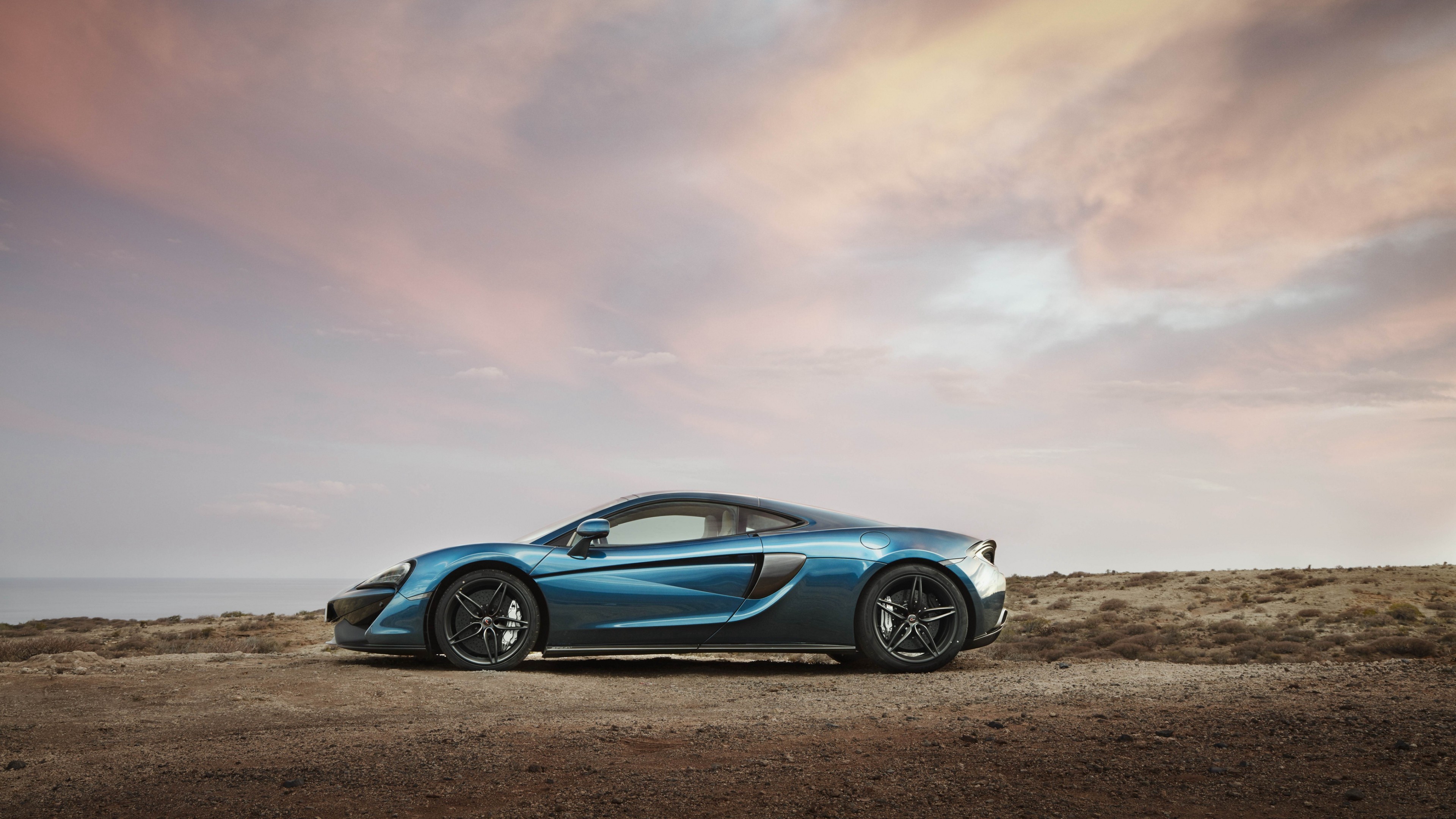
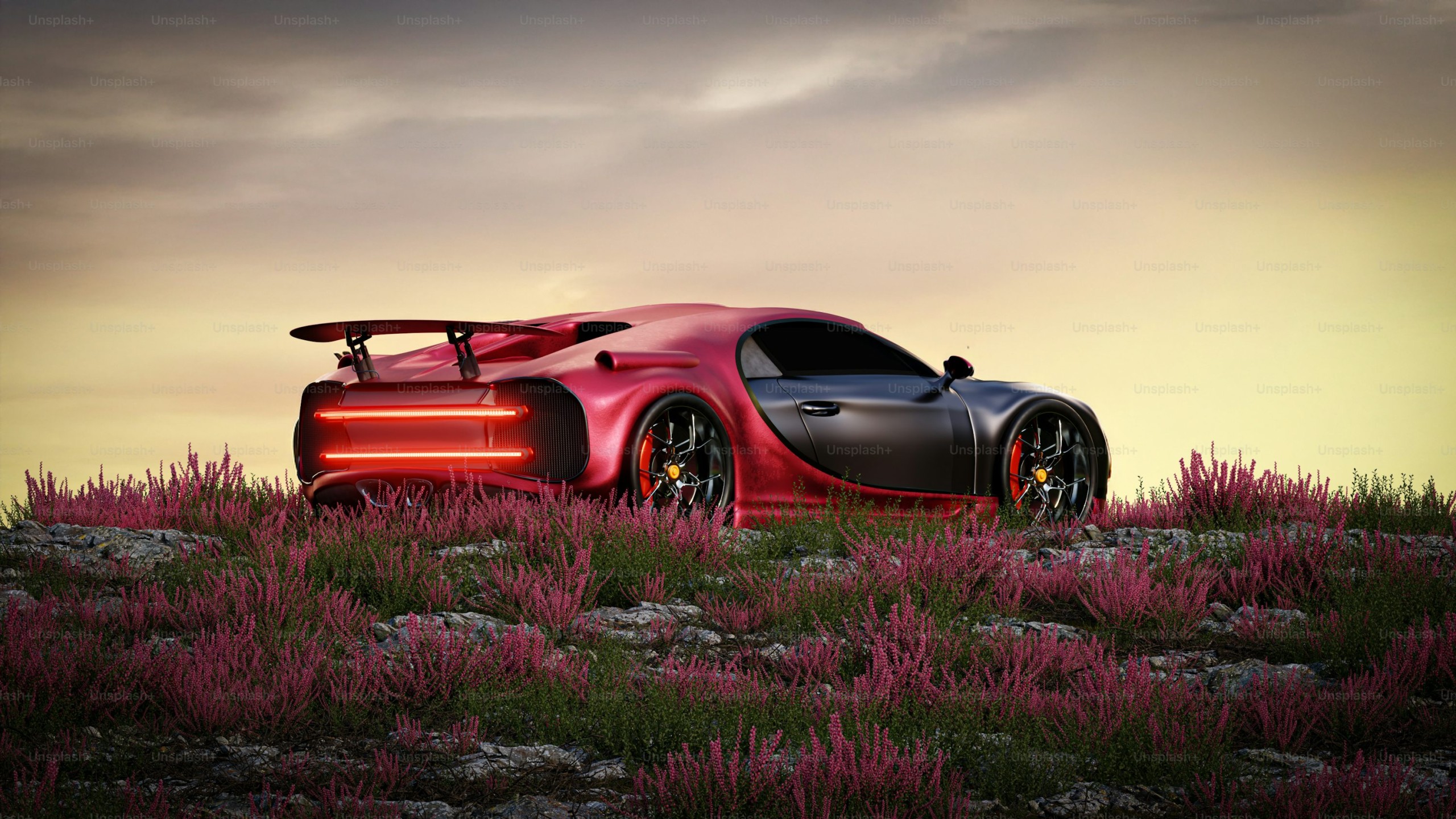
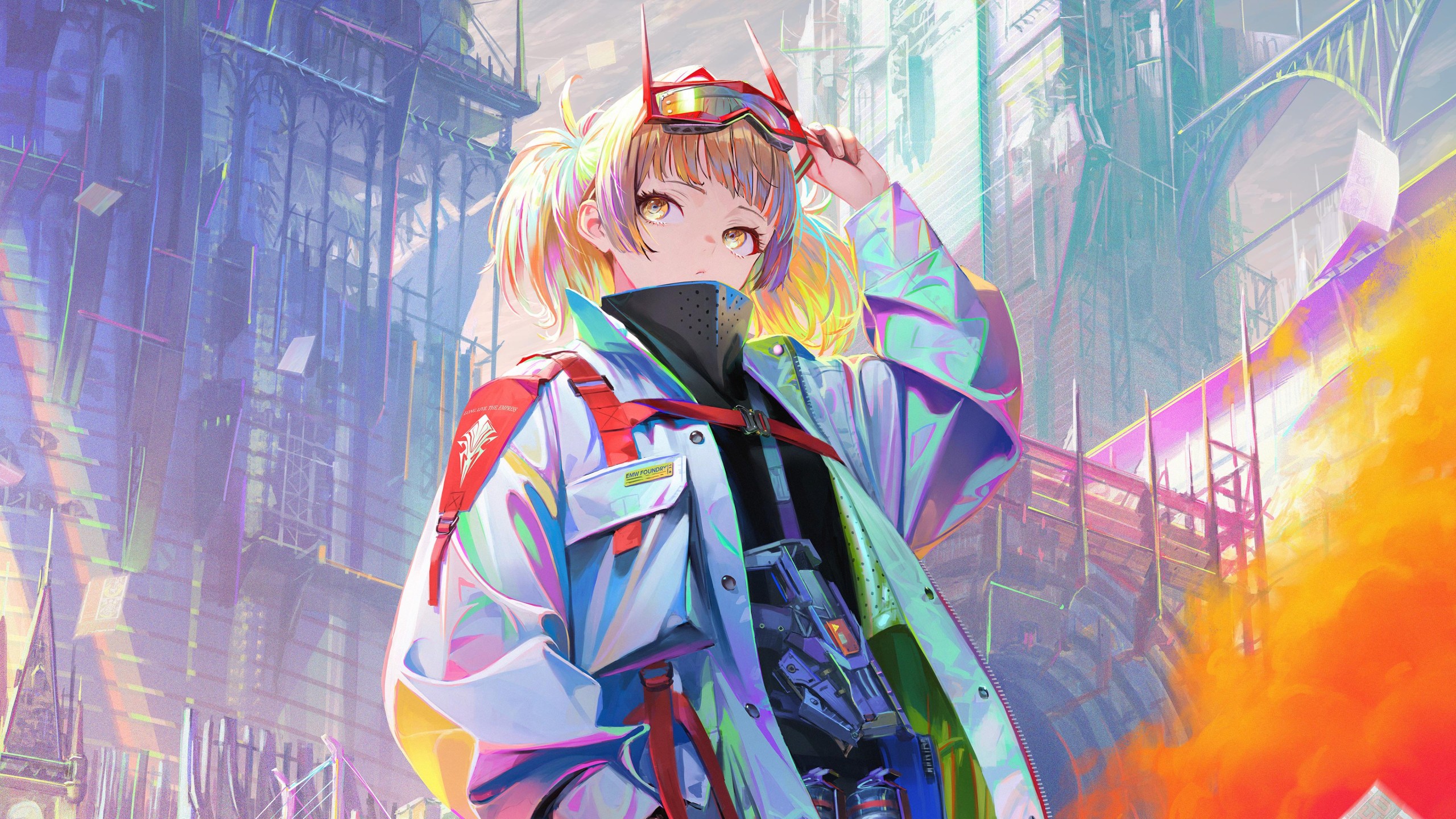
Browse wide two-screen backgrounds across nature landscapes, city scenes, abstract visuals, space scenes, automotive shots, gaming art, and dark cinematic designs. Each image is selected for horizon-safe framing, clean desktop usability, and strong balance across larger layouts.
For more wide-screen options, explore ultra-wide wallpapers or browse standard desktop wallpapers. You can also visit desktop wallpaper setups to compare how different backgrounds look in real workspace layouts.
Two-screen setups work especially well with nature wallpapers, space wallpapers, cars wallpapers, and abstract wallpapers. For strong color direction, browse blue wallpapers, dark wallpapers, green wallpapers, or gradient wallpapers.
Every wide background on Backdrova is selected to feel clean, cohesive, and screen-ready. Browse the collection to find a panoramic image that connects both monitors without awkward cropping or visual breaks.
Browse wallpapers in this Backdrova hub and download the size that fits your screen.
Jump into nearby Backdrova wallpaper hubs to narrow the library by screen type, color, and setup style.
Explore the official Backdrova wallpaper library by collection, color, device type, or setup style to find a cleaner background for your screen.