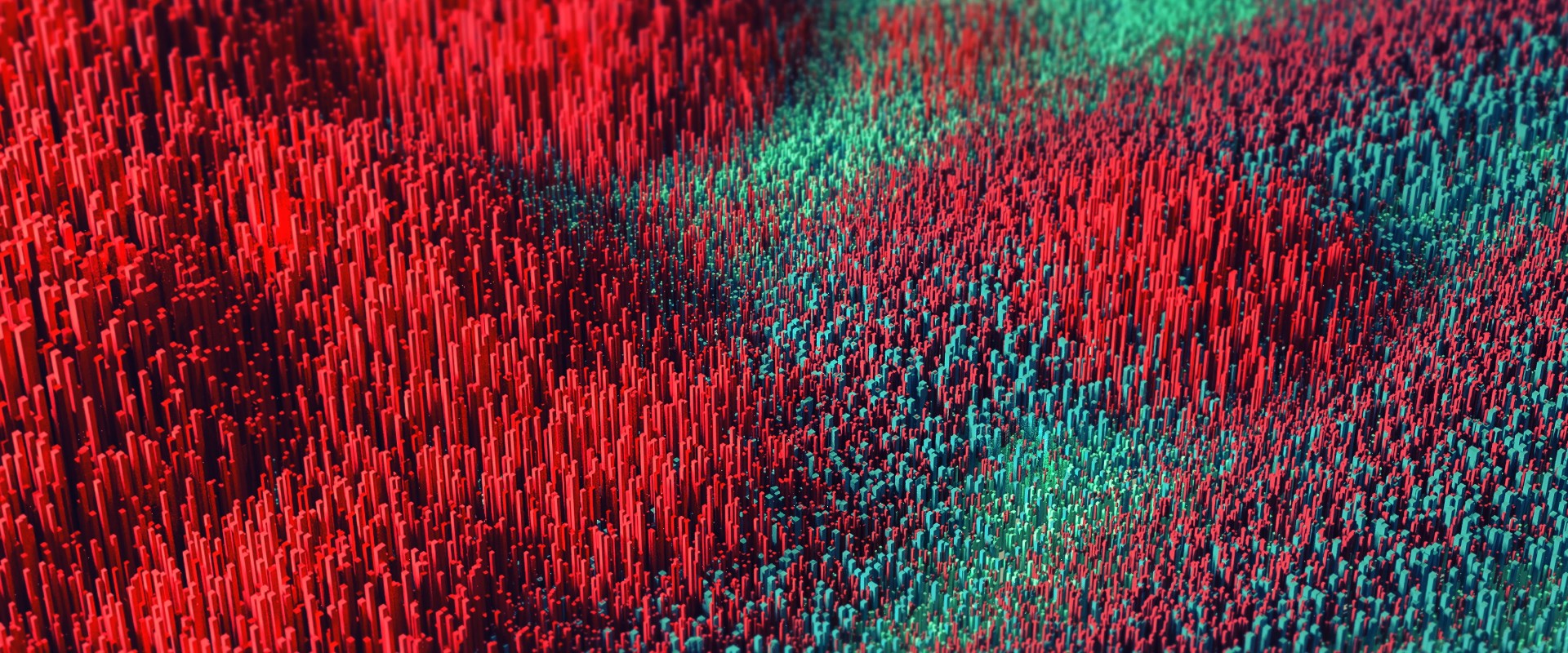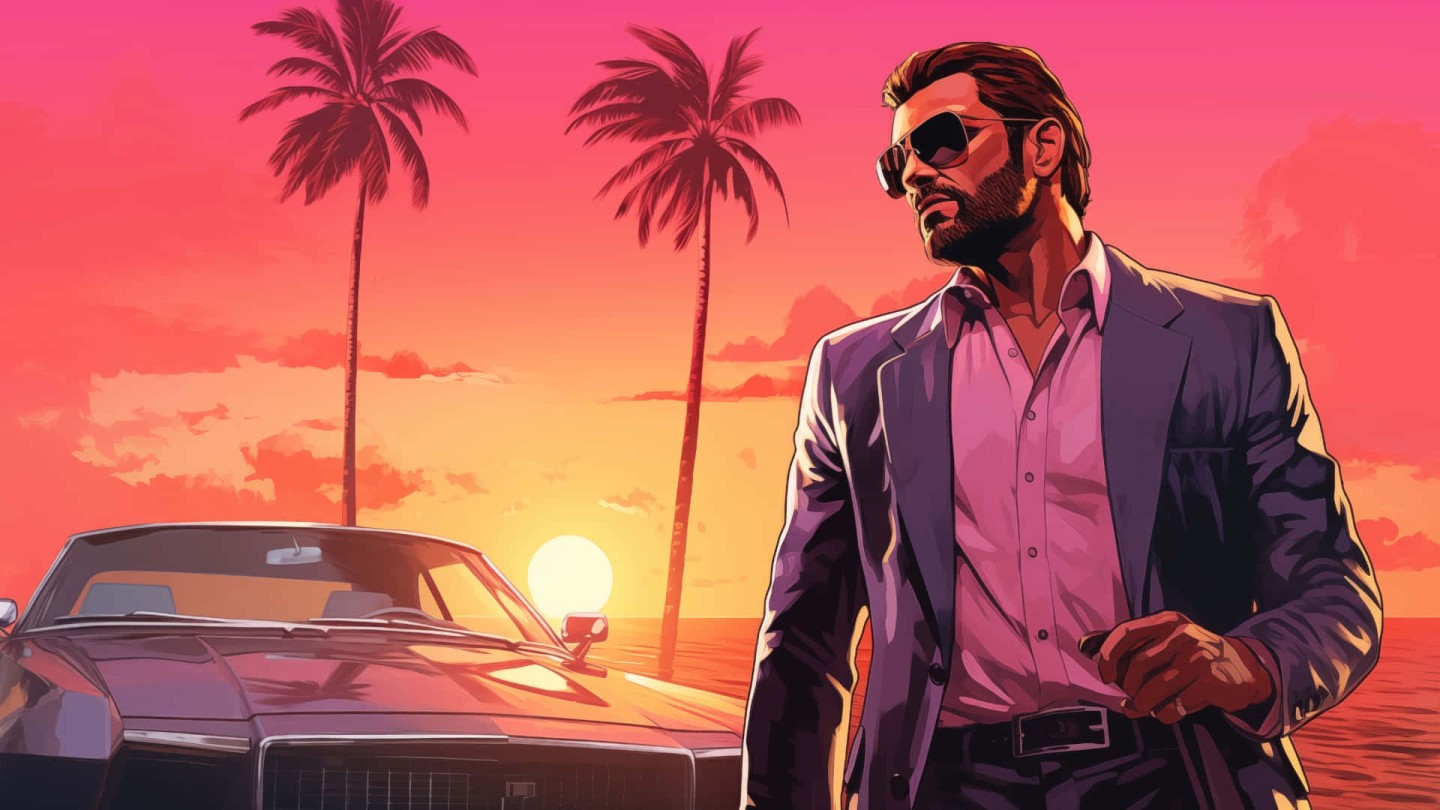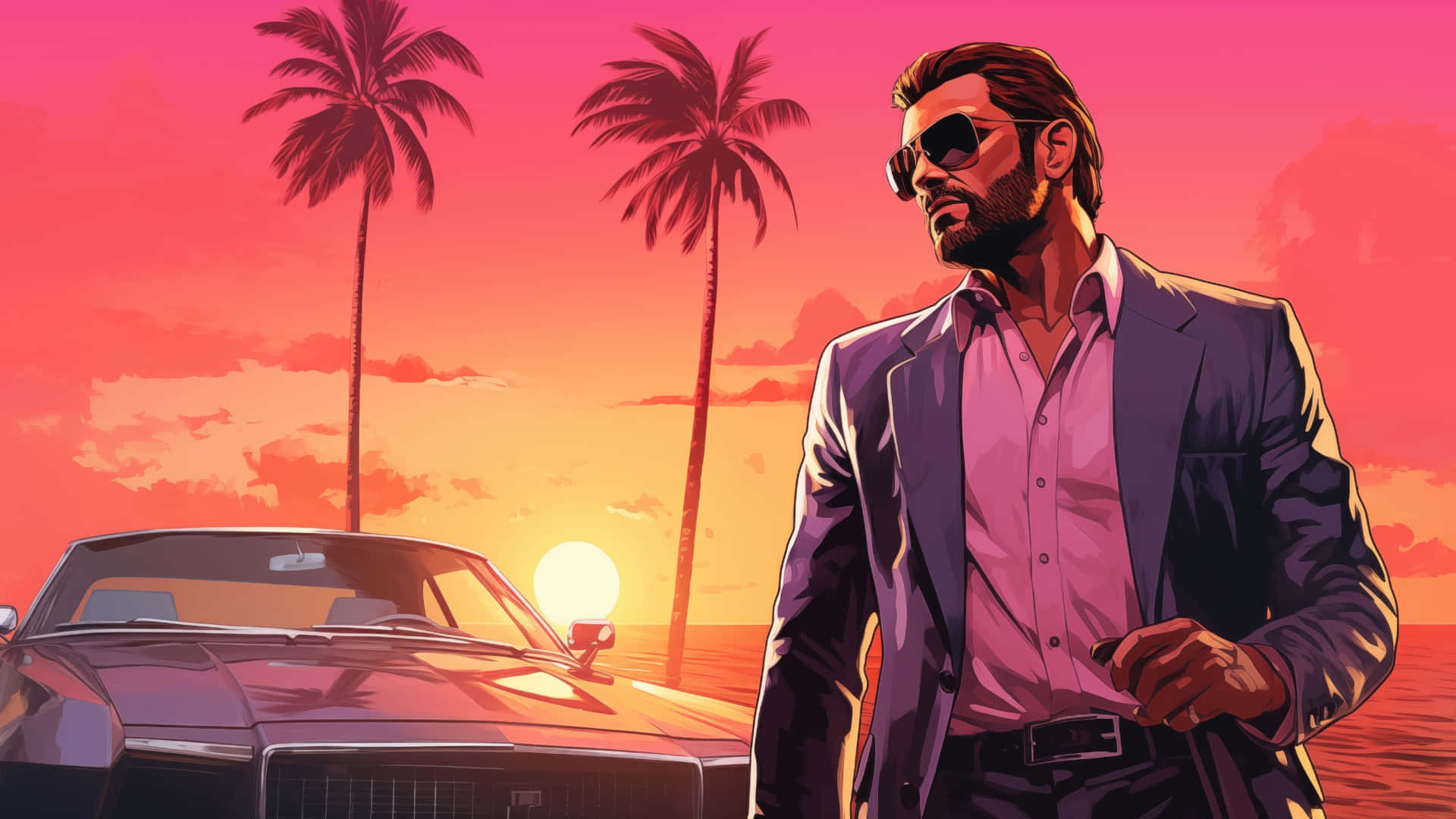
GTA 6 Vice City Sunset Wallpaper
Backdrova is a curated wallpaper library built for clean screens, sharp detail, and fast downloads. Browse free wallpapers for desktop, ultra-wide, dual-monitor, iPhone, Android, and tablet setups.
Fresh uploads in multiple resolutions, updated regularly for crisp detail, clean crops, and fast downloads.
Explore some of Backdrova’s largest wallpaper collections, with curated backgrounds across desktop, mobile, and ultra-wide screens.
Download free wallpapers sized for iPhone, Android, Ultra-Wide, and desktop setups. Prefer a specific vibe? Browse by black wallpapers, blue wallpapers, or explore our curated collections to find a set that matches your screen.
Yes — Backdrova wallpapers are free for personal use.
Available sizes vary by source image. Each wallpaper page lists the desktop, ultra-wide, mobile, and high-resolution formats available for that download.
Start with a device hub, browse by color, or use the download button on each wallpaper card to choose the best available size.
We publish new sets regularly. Check the Latest Wallpapers section for fresh drops and recently added backgrounds.
Helpful articles for choosing better backgrounds, improving your setup, and finding the right wallpaper faster with confidence.
Free wallpapers should feel sharp, clean, and easy to use the moment you download them. Backdrova is built as a curated wallpaper library for desktop, ultra-wide, dual-monitor, iPhone, Android, and tablet setups, with backgrounds organized by device, color, collection, resolution, and visual style.
Instead of scrolling through random image dumps, you can start with a screen type, narrow the look by color, or browse curated collections built around themes like nature, cars, anime, gaming, space, and abstract designs. The goal is simple: help you find a wallpaper that fits your screen, matches your setup, and feels intentional.
Start with the device hubs when sizing matters most. Browse iPhone wallpapers, Android wallpapers, iPad and tablet wallpapers, desktop wallpapers, ultra-wide wallpapers, and dual-monitor wallpapers to find backgrounds made for the way you actually use your screen.
Desktop and monitor setups usually benefit from higher-resolution files like 1440p, 4K, 5K, ultra-wide, and dual-monitor formats. Phone and tablet backgrounds need cleaner vertical crops, better subject placement, and enough negative space for icons, widgets, and lock-screen text.
Color is one of the fastest ways to find a background that works with your setup. Try black wallpapers or dark wallpapers for cleaner icons, blue wallpapers and green wallpapers for cooler tones, or gradient wallpapers when you want something modern without too much visual noise.
If you want a more specific theme, browse wallpaper collections instead. Backdrova collections group similar wallpapers together, including nature wallpapers, cars wallpapers, anime wallpapers, gaming wallpapers, space wallpapers, and abstract wallpapers. Collections are especially helpful if you like your desktop, phone, and tablet backgrounds to feel consistent.
A good wallpaper can make a screen feel more polished without changing anything else. Minimal scenes, soft gradients, dark backgrounds, and clean compositions usually work best for everyday use because they keep icons readable and reduce visual clutter.
For desktop setups, look for wallpapers with sharp detail, higher-resolution options like 4K and 5K, and enough open space around the center or edges. For ultra-wide and dual-monitor displays, choose panoramic backgrounds that keep the main subject balanced across the full width. You can also visit desktop wallpaper setups to see how different backgrounds look in real screen layouts before choosing one.
If you are curious about how wallpaper sizing works in general, this overview is helpful: Wallpaper (computing).
New free wallpapers are added regularly, including 4K and 5K wallpapers with fresh drops shown in the Latest Wallpapers section. Start with all wallpapers, browse by device, or explore collections and colors to find a clean background that fits your screen without the guesswork.
Subscribe to our newsletter to get our newest wallpapers, featured drops, curated background updates, and clean setup ideas for every screen.