Glass Skyscraper Reflection Full HD Wallpaper
Ad • 970×250 / 728×90 / 320×100
About this wallpaper
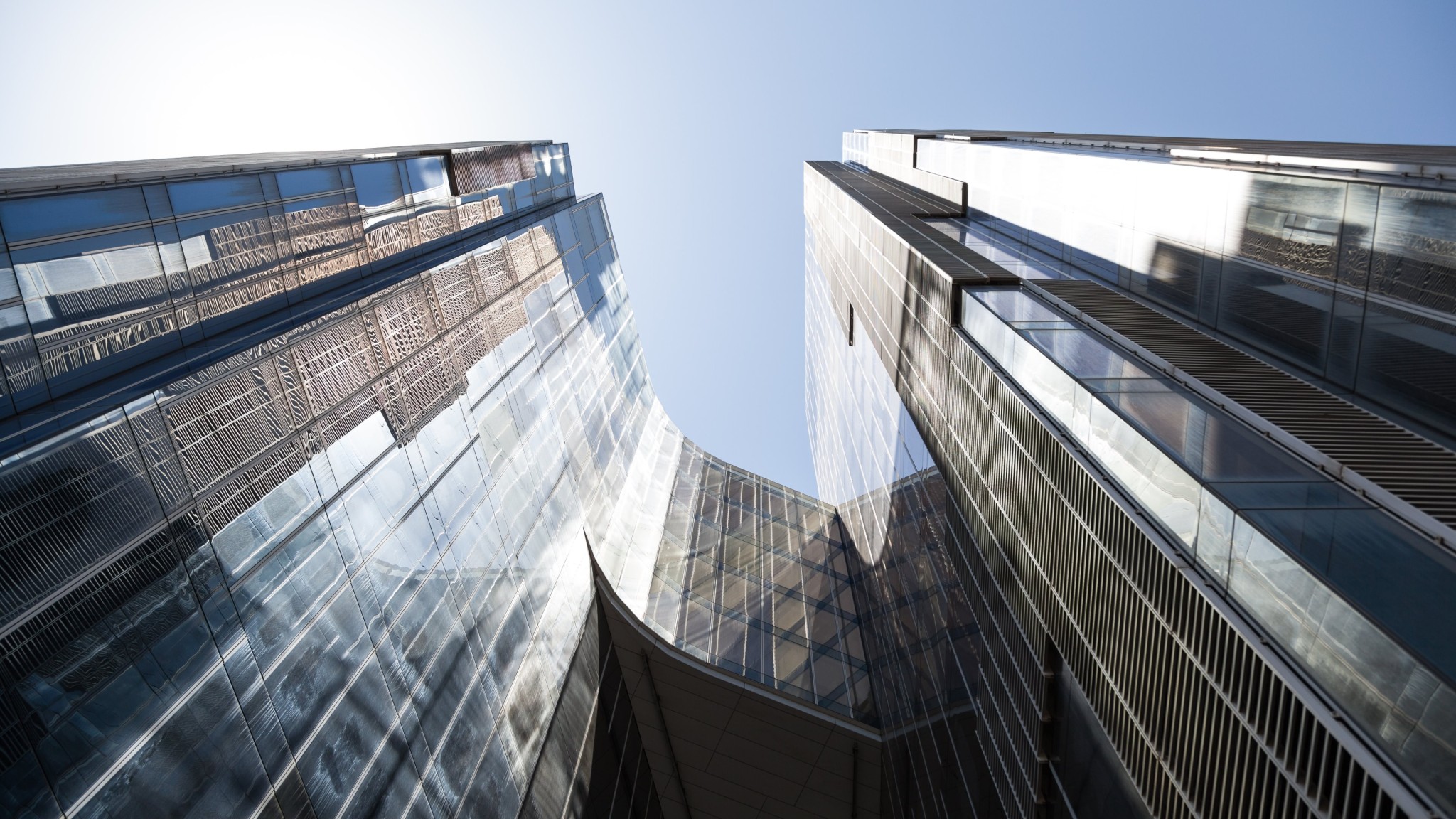
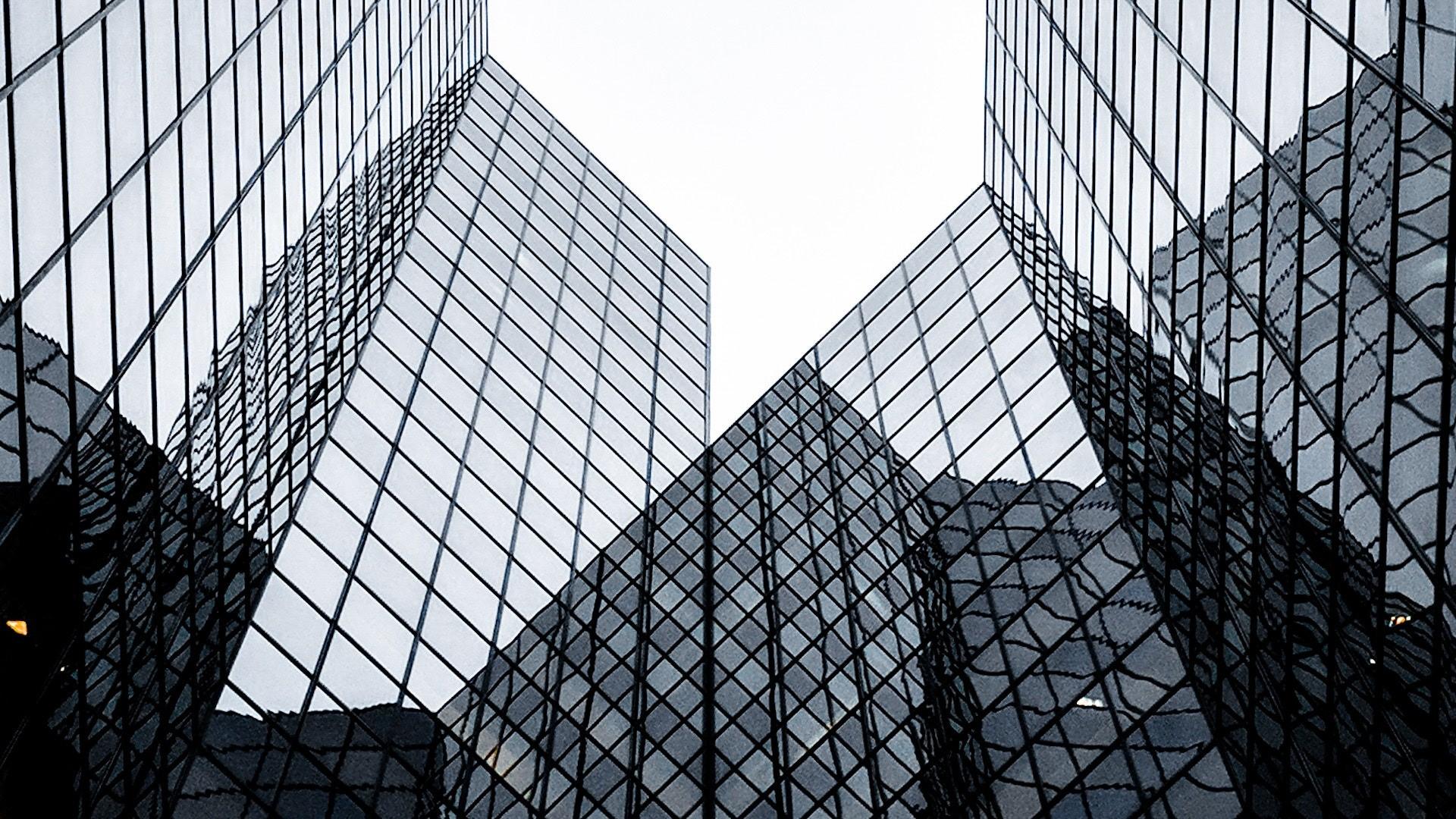
This glass skyscraper wallpaper features a dramatic upward view of modern high-rise buildings with mirrored windows, sharp grid lines, and strong architectural contrast. The glass towers angle toward the bright sky, which gives the image a clean sense of height and depth. Because the scene uses simple tones and repeating shapes, it feels bold without becoming visually messy.
The strongest detail is the way the buildings reflect each other across the frame. Dark window lines create a geometric pattern, while the pale sky gives the image a bright center point. In addition, the mirrored surfaces add texture and movement without needing heavy color. Black, white, gray, blue, and dark tones give this Full HD wallpaper a polished city-architecture style that works well on modern desktop setups.
As a 1920×1080 image, this wallpaper is a strong fit for Full HD monitors, work screens, office setups, and minimal desktop themes. The structure has enough detail to feel premium, yet the bright upper space and darker lower edges help icons stay easier to place. That balance makes it useful for anyone who wants a refined architectural background with clean contrast and a sharp professional mood.
How this glass skyscraper wallpaper builds a sharp architectural desktop look
- Modern building focus: mirrored towers, angular framing, and strong vertical lines create a clean city style.
- Geometric contrast: black window grids and pale sky tones give the wallpaper a crisp visual rhythm.
- Desktop-friendly layout: brighter center space and darker outer edges help icons stay readable.
For more clean design-focused backgrounds, browse the Minimal collection. If you like the monochrome contrast in this image, explore more options in the Gray wallpapers hub.
To understand how 1920×1080 works well for Full HD desktop screens, review display resolution basics on Wikipedia.
Tip: Place icons along the darker lower corners or outer building edges so the bright central skyline stays clean.