Dark Cyberpunk City Skyline Full HD Wallpaper
Ad • 970×250 / 728×90 / 320×100
About this wallpaper
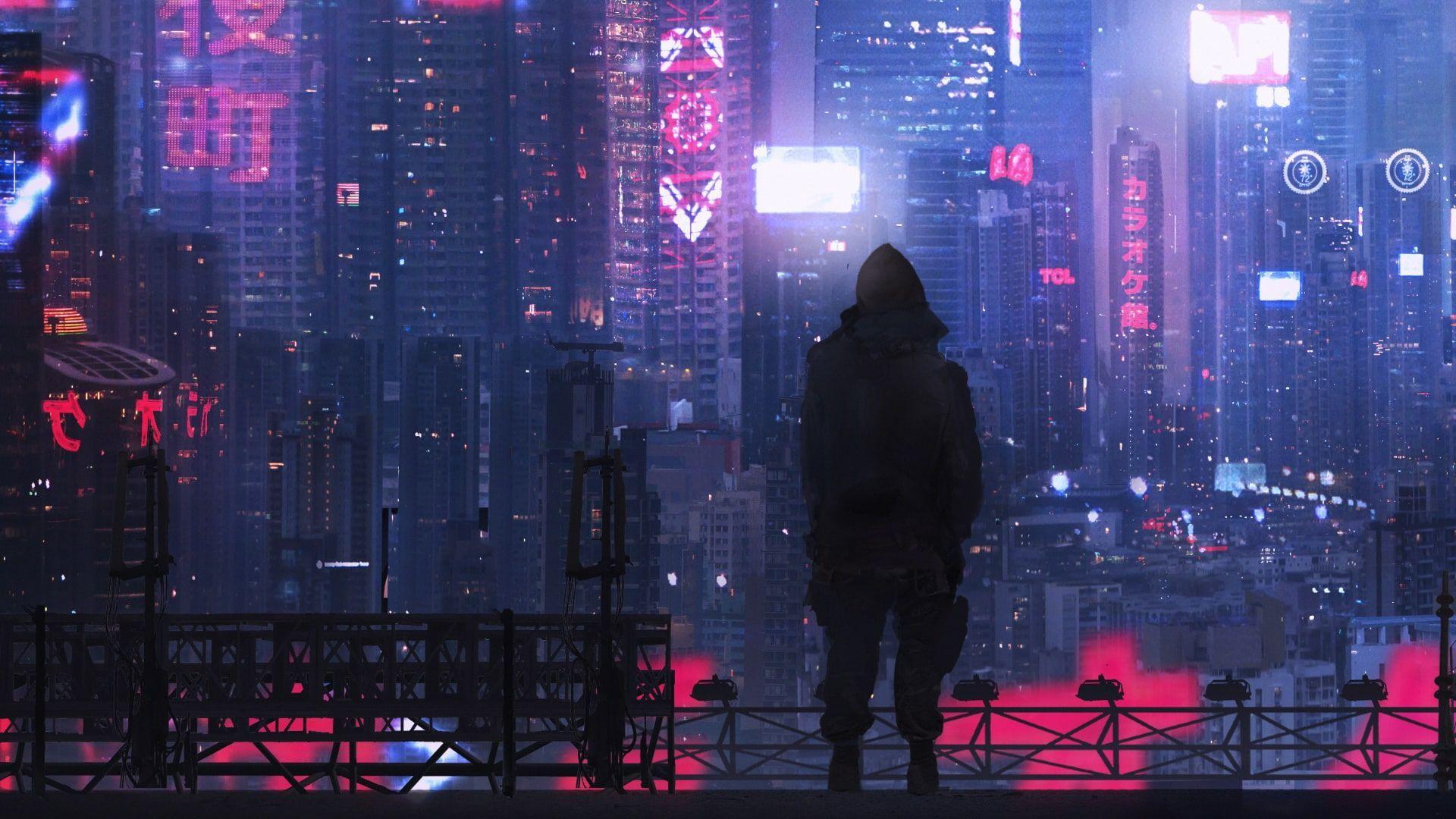
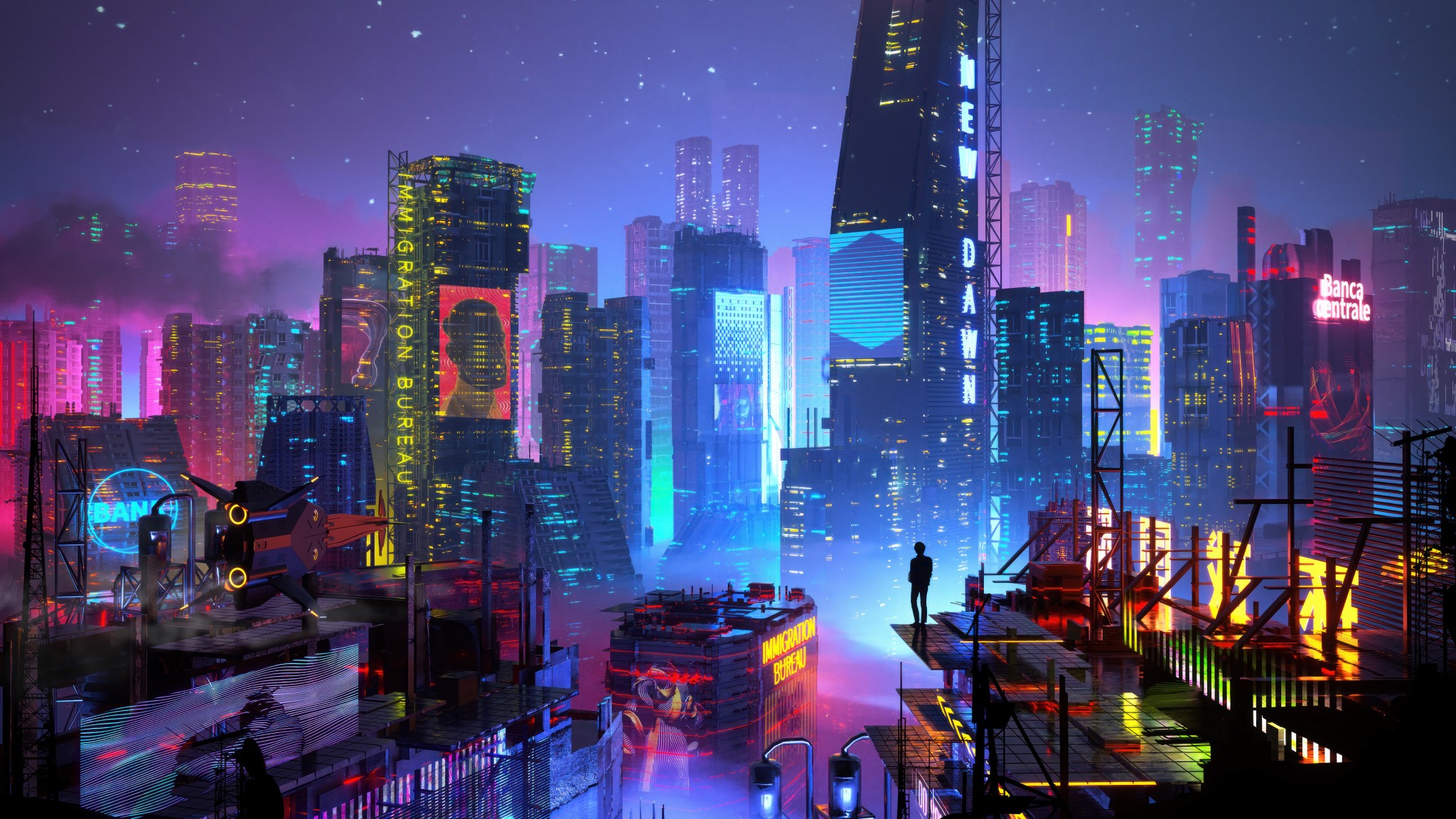
This dark cyberpunk city wallpaper features a futuristic night skyline filled with tall towers, glowing windows, blue neon strips, and deep purple shadows. The scene has a quieter cyberpunk mood than brighter street-level designs, which makes it feel calm, cinematic, and easy to use as a desktop background. The skyline stretches across the frame, while the dark sky gives the image a clean sense of space.
The strongest visual detail is the mix of vertical building shapes and small neon highlights. Bright blue lights guide the eye through the city, while the darker towers keep the wallpaper from feeling too busy. In addition, the lower buildings add scale and depth without pulling attention away from the main skyline. This balance helps the image feel detailed, but still organized enough for daily desktop use.
Blue, purple, cyan, black, and dark tones give this Full HD wallpaper a polished sci-fi atmosphere. It works especially well for dark themes, gaming setups, cyberpunk collections, and minimal desktops that need a moody city background. Since the upper sky and many outer areas stay darker, icons can sit around the scene without covering the best skyline details.
Why this dark cyberpunk city wallpaper creates a sleek night skyline desktop
- Moody skyline focus: tall futuristic towers and glowing windows create a sharp cyberpunk city view.
- Clean neon contrast: blue, cyan, and purple lights stand out against the darker buildings and sky.
- Desktop-friendly layout: shadowed edges and open sky areas help icons stay easier to place and read.
For more futuristic backgrounds, browse the 3D Renders collection. If you like the deep night palette in this image, explore more options in the Dark wallpapers hub.
To understand how 1920×1080 works well for Full HD desktop screens, review display resolution basics on Wikipedia.
Tip: Place icons along the darker upper-left sky or far outer edges so the neon skyline stays clean and visible.