Ultra-Wide • 1080p
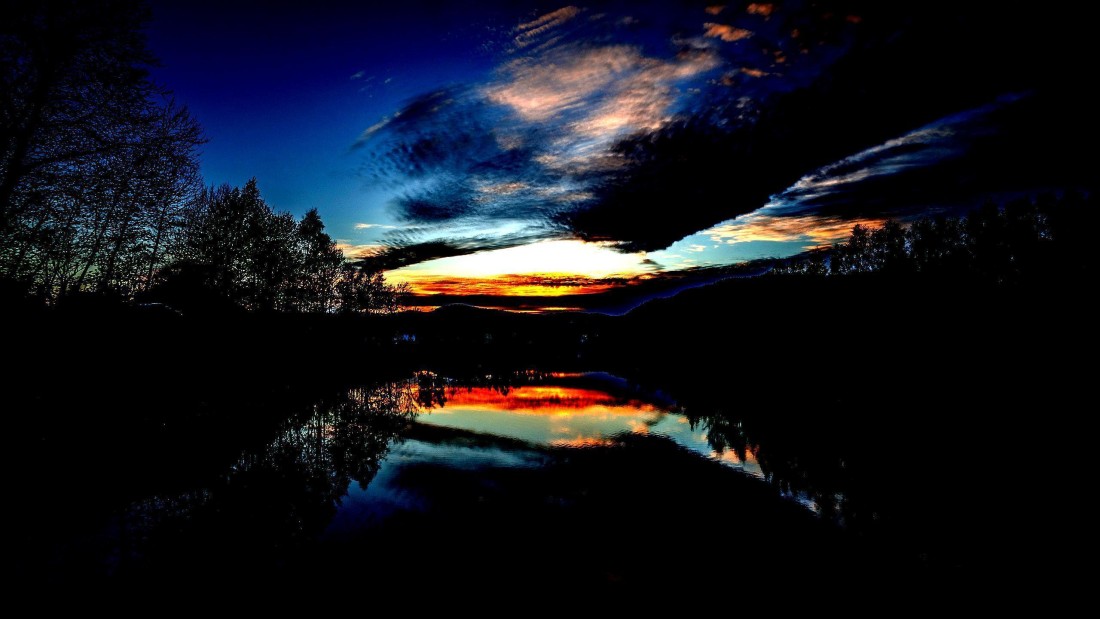
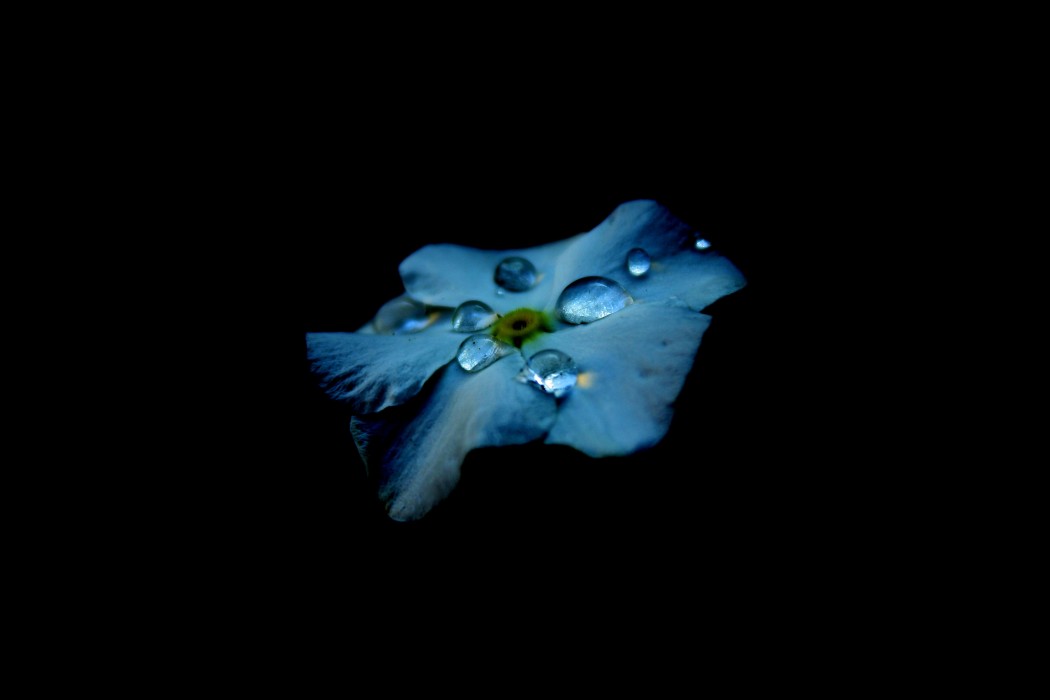
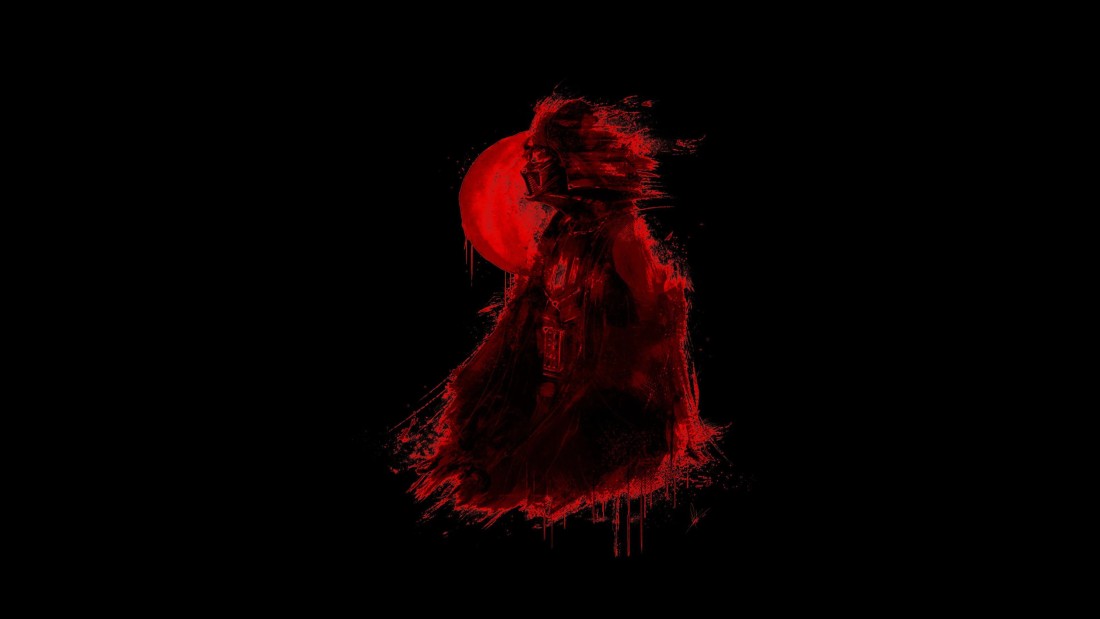
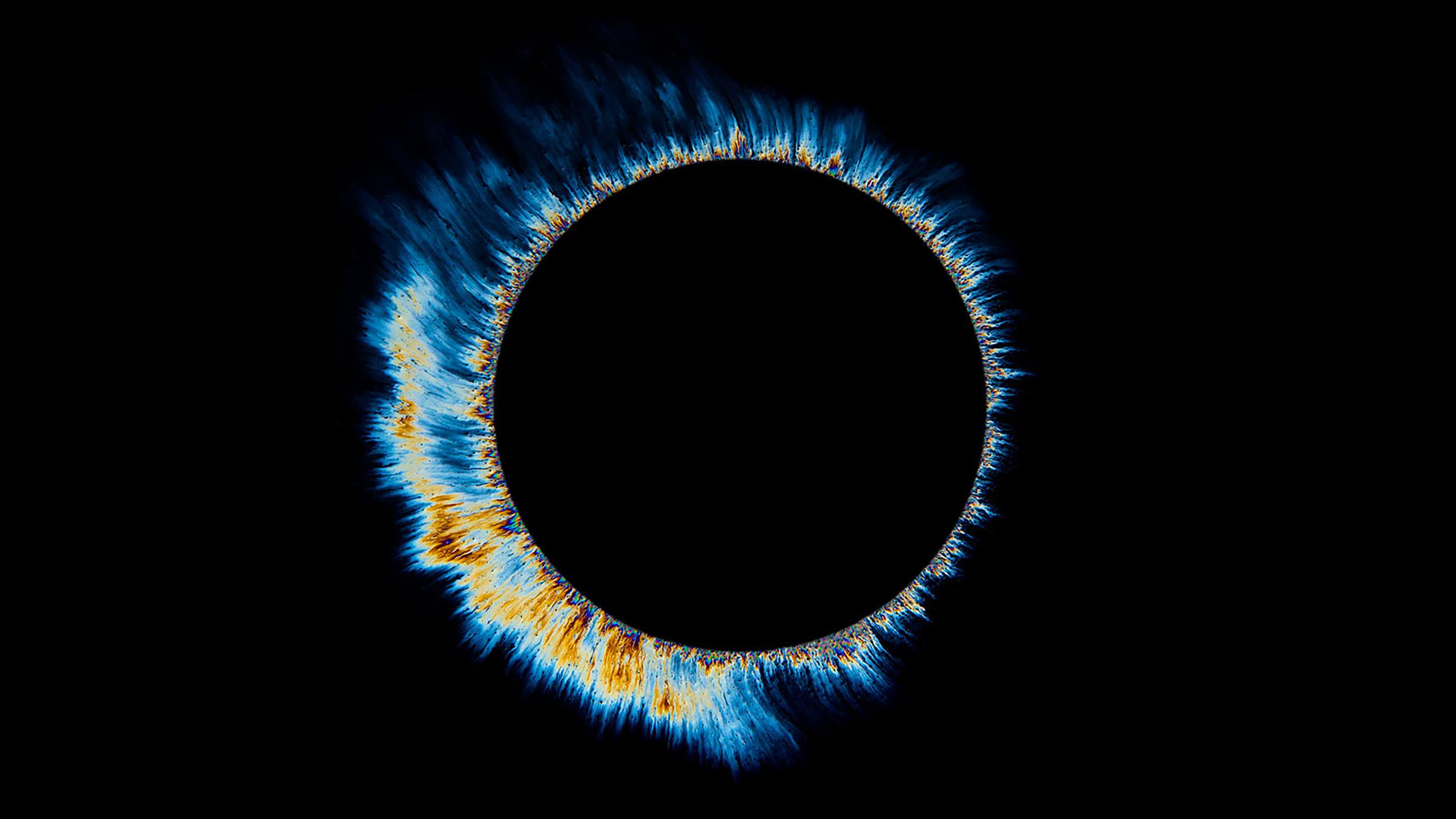
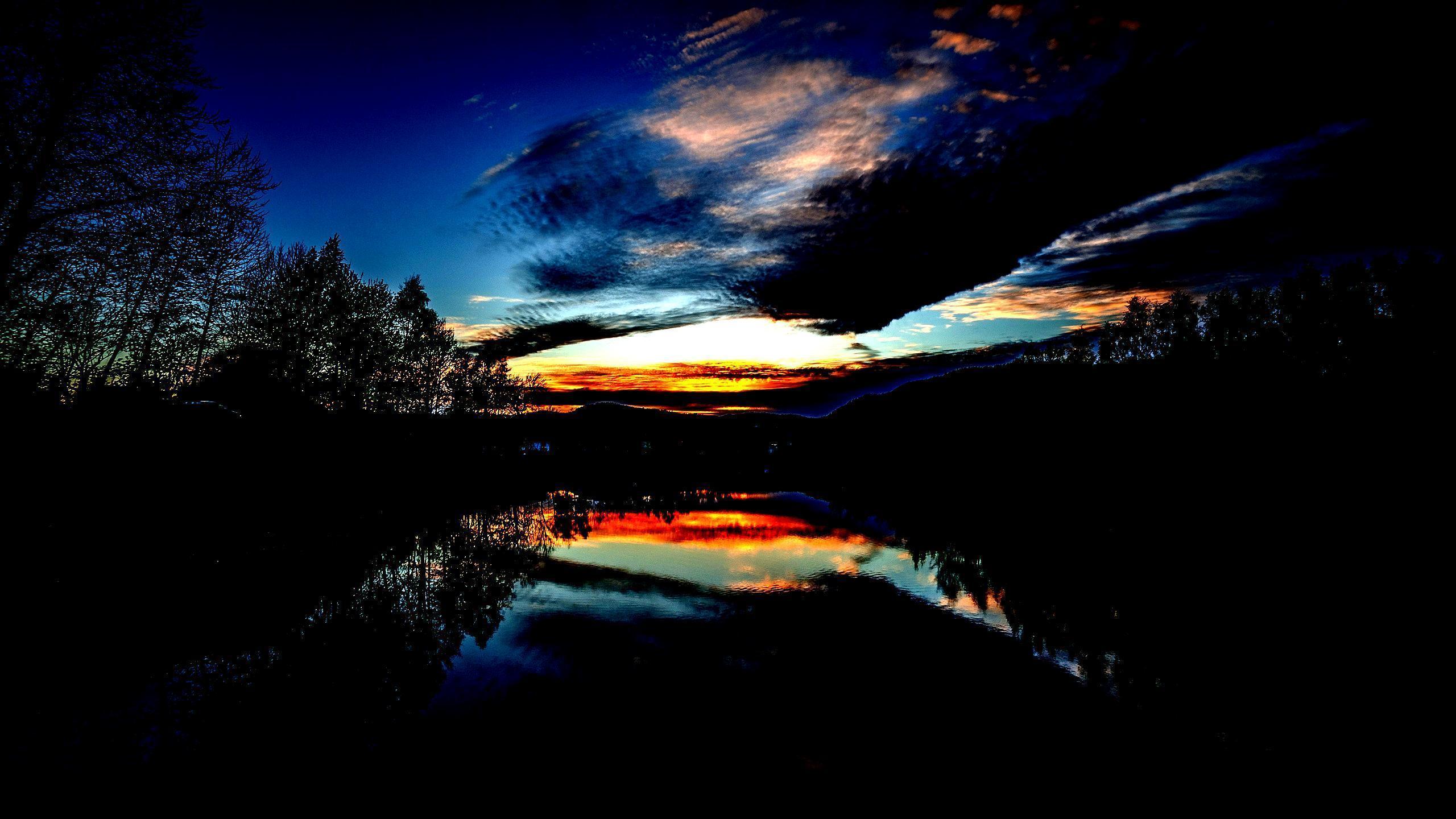
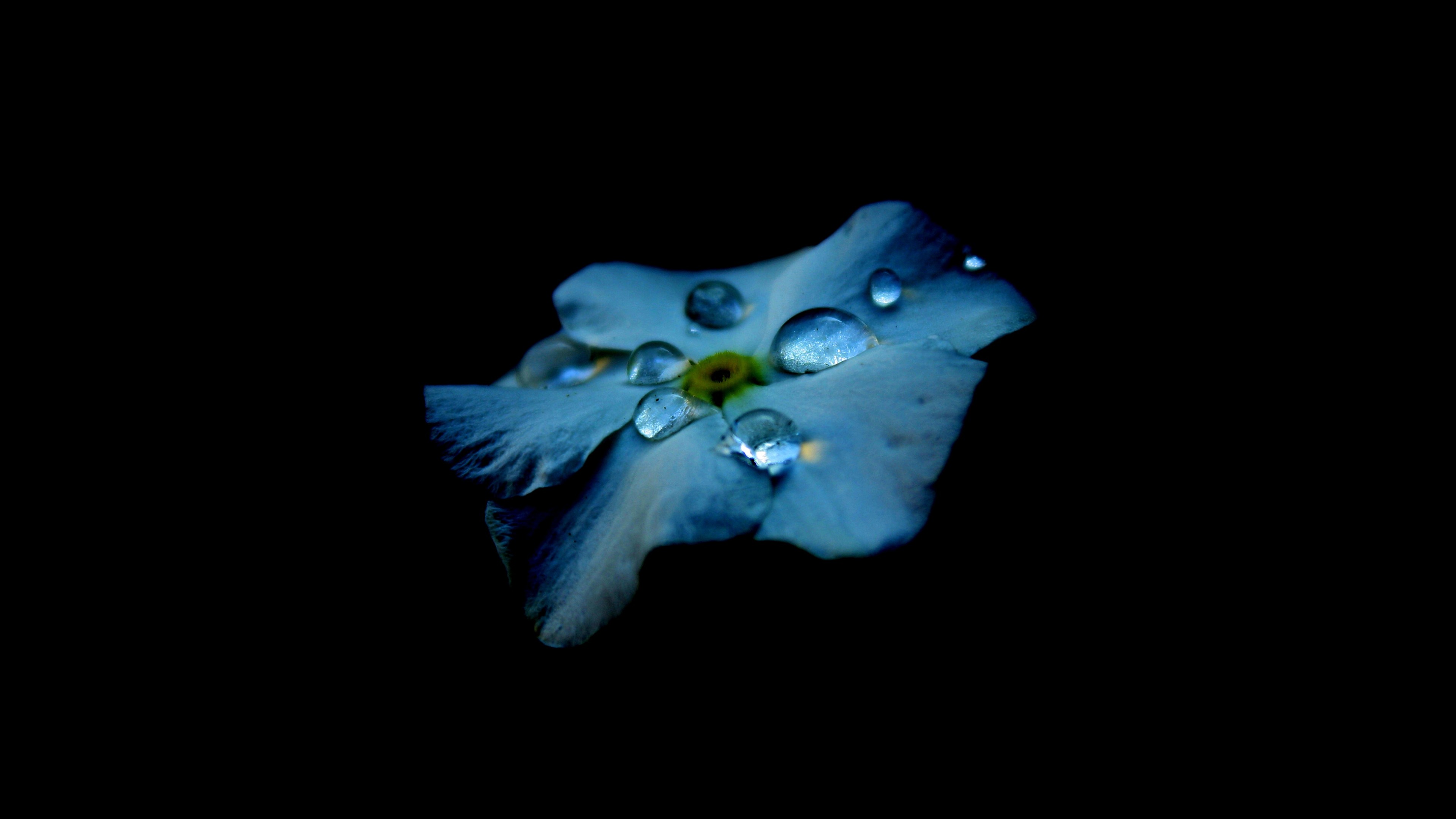
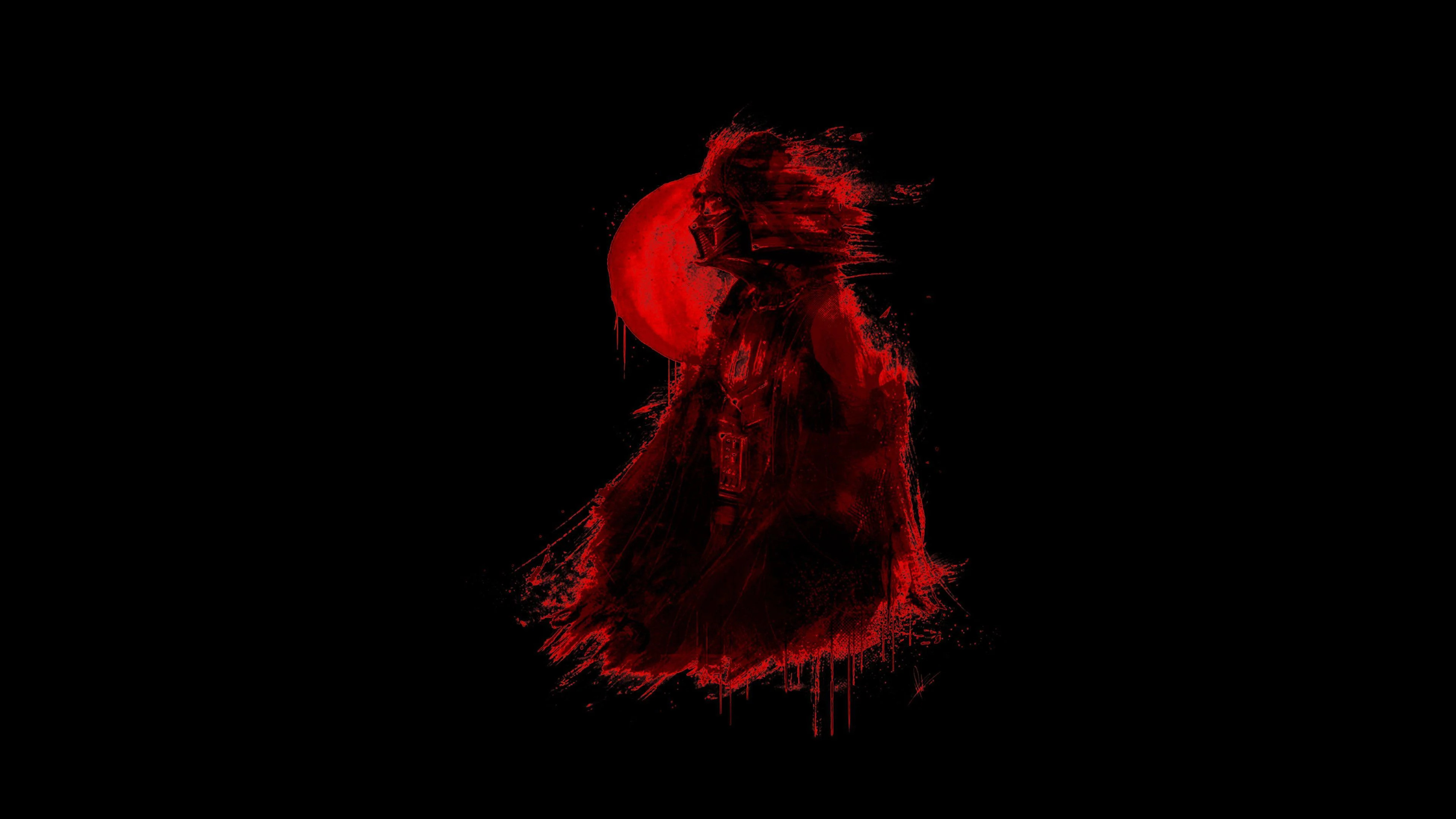
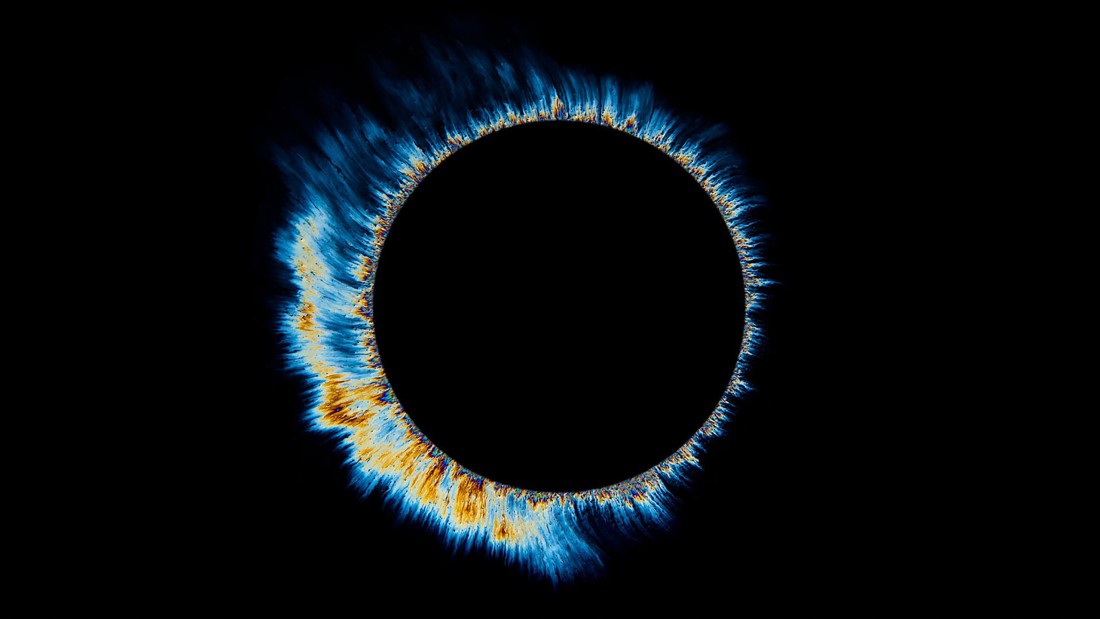
Dark AMOLED wallpapers are built for screens that look best with deep blacks, sharp contrast, and minimal visual noise. This collection focuses on true black backgrounds, shadow-heavy scenes, glowing accents, dark abstract designs, space-inspired visuals, and clean compositions that feel smooth on modern displays.
Some wallpapers are nearly pure black. Others use subtle gradients, blue highlights, neon details, or cinematic shadows to add depth. The goal is simple: give your screen a darker look that feels polished, easy to use, and visually calm.
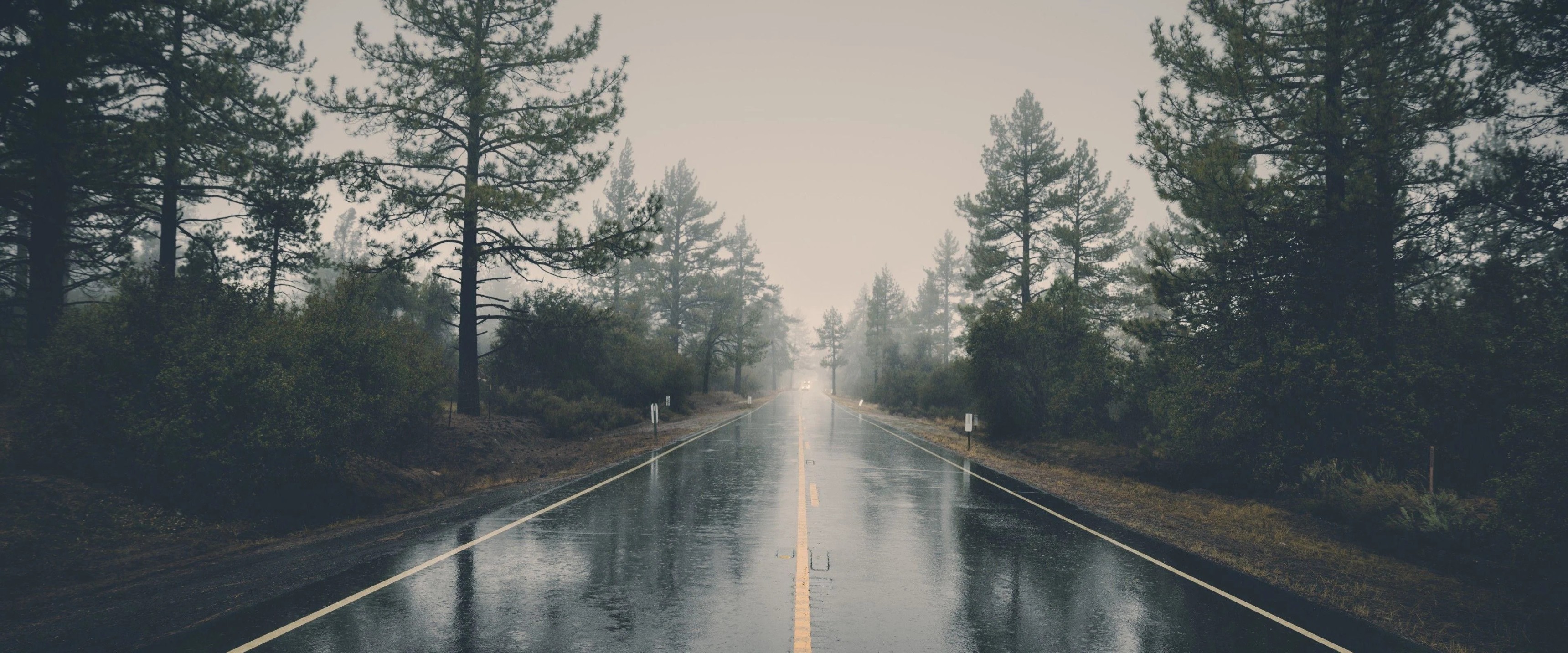
For everyday use, start with our desktop wallpapers hub. If you want wider dark scenes with more breathing room, browse ultra-wide wallpapers. You can also explore dual-monitor wallpapers for larger setups that work well with cinematic dark backgrounds.
Color makes a big difference in a dark setup. Browse deeper tones through black wallpapers, dark wallpapers, and AMOLED wallpapers. For added glow or contrast, explore neon wallpapers, blue wallpapers, purple wallpapers, and cyan wallpapers.
If you want related styles, explore space wallpapers for cosmic darkness, abstract wallpapers for clean shapes and gradients, or gaming wallpapers for bold high-contrast visuals.
Every dark AMOLED wallpaper on Backdrova is selected to feel crisp, focused, and screen-ready. Browse the collection to find a black, moody, or glow-heavy background that gives your setup a cleaner and more immersive look.
Browse wallpapers in this Backdrova hub and download the size that fits your screen.
Jump into nearby Backdrova wallpaper hubs to narrow the library by screen type, color, and setup style.
Explore the official Backdrova wallpaper library by collection, color, device type, or setup style to find a cleaner background for your screen.