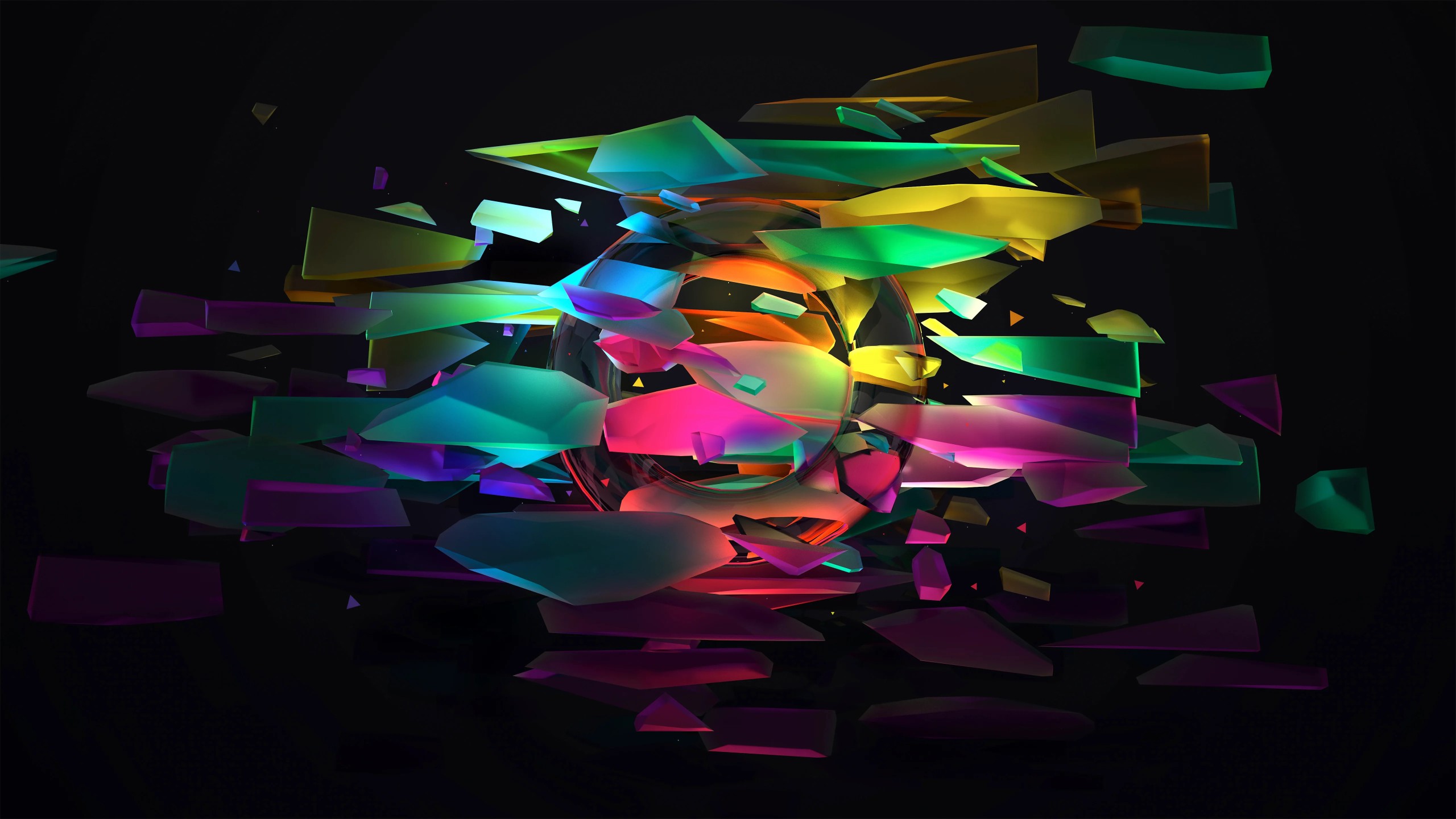
Neon Shards Abstract 3D 5K Wallpaper
Ad • 970×250 / 728×90 / 320×100
About this wallpaper
This abstract neon wallpaper delivers a bold futuristic look with glowing 3D shards exploding across a deep black background. Bright layers of pink, cyan, green, yellow, orange, and purple create a vivid color burst around the center, giving the image a high-energy feel without losing its clean structure. The dark backdrop helps the neon shapes stand out, which makes this wallpaper a strong option for anyone who wants a more dramatic and modern desktop style.
One of the best things about this design is its balance between motion and clarity. The floating geometric fragments create a sense of movement, while the composition still keeps the main visual focus in the middle of the screen. That makes it interesting to look at, but still practical for everyday desktop use. Icons and folders remain readable because the outer edges stay darker, while the center becomes a strong visual anchor that adds depth and intensity.
Since this image is sized at 5120×2880, it works beautifully as a 5K wallpaper for larger monitors and high-resolution displays. Fine gradients, glowing edges, and layered shapes stay crisp even on wide screens. If you enjoy digital art, colorful abstract compositions, or sleek futuristic visuals, this wallpaper gives your setup a polished and energetic finish.
How this abstract neon wallpaper adds depth and energy to your desktop
- Vibrant 3D detail: glowing shards and layered shapes give the wallpaper a bold sense of motion.
- Desktop-friendly contrast: the dark background helps apps, icons, and shortcuts stay easier to see.
- Sharp 5K quality: the high resolution keeps every color transition and geometric edge looking clean.
Browse more digital artwork in the Abstract collection, or explore more vivid tones in the Pink wallpapers and Blue wallpapers sections.
To learn more about screen sizes and resolutions, visit Wikipedia’s display resolution guide.
Tip: For the cleanest look, keep desktop icons near the corners so the glowing center stays fully visible.