Cyberpunk Pixel Art City Full HD Wallpaper
Ad • 970×250 / 728×90 / 320×100
About this wallpaper
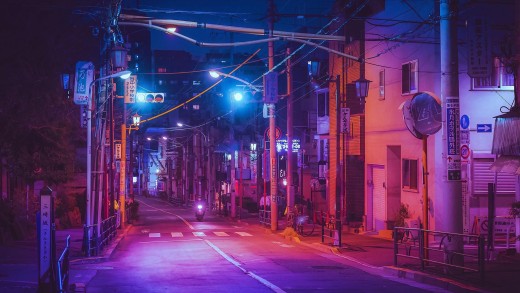
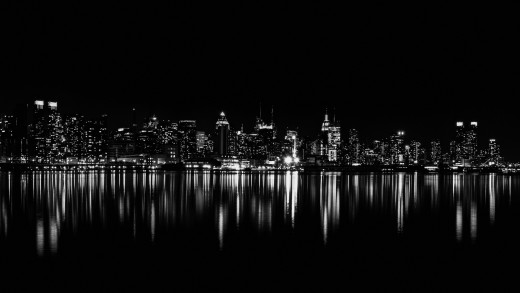
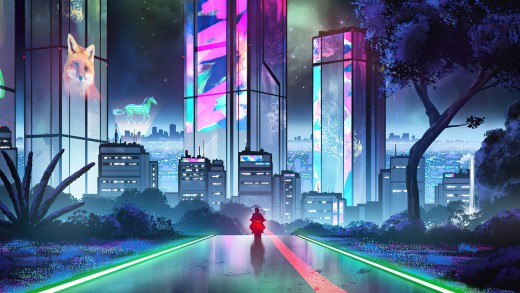
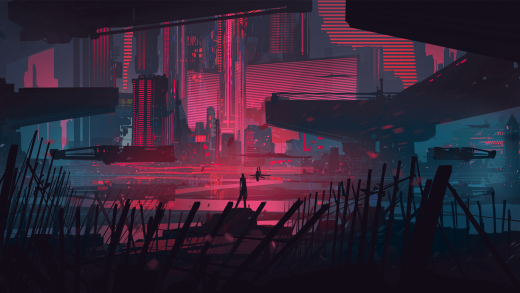
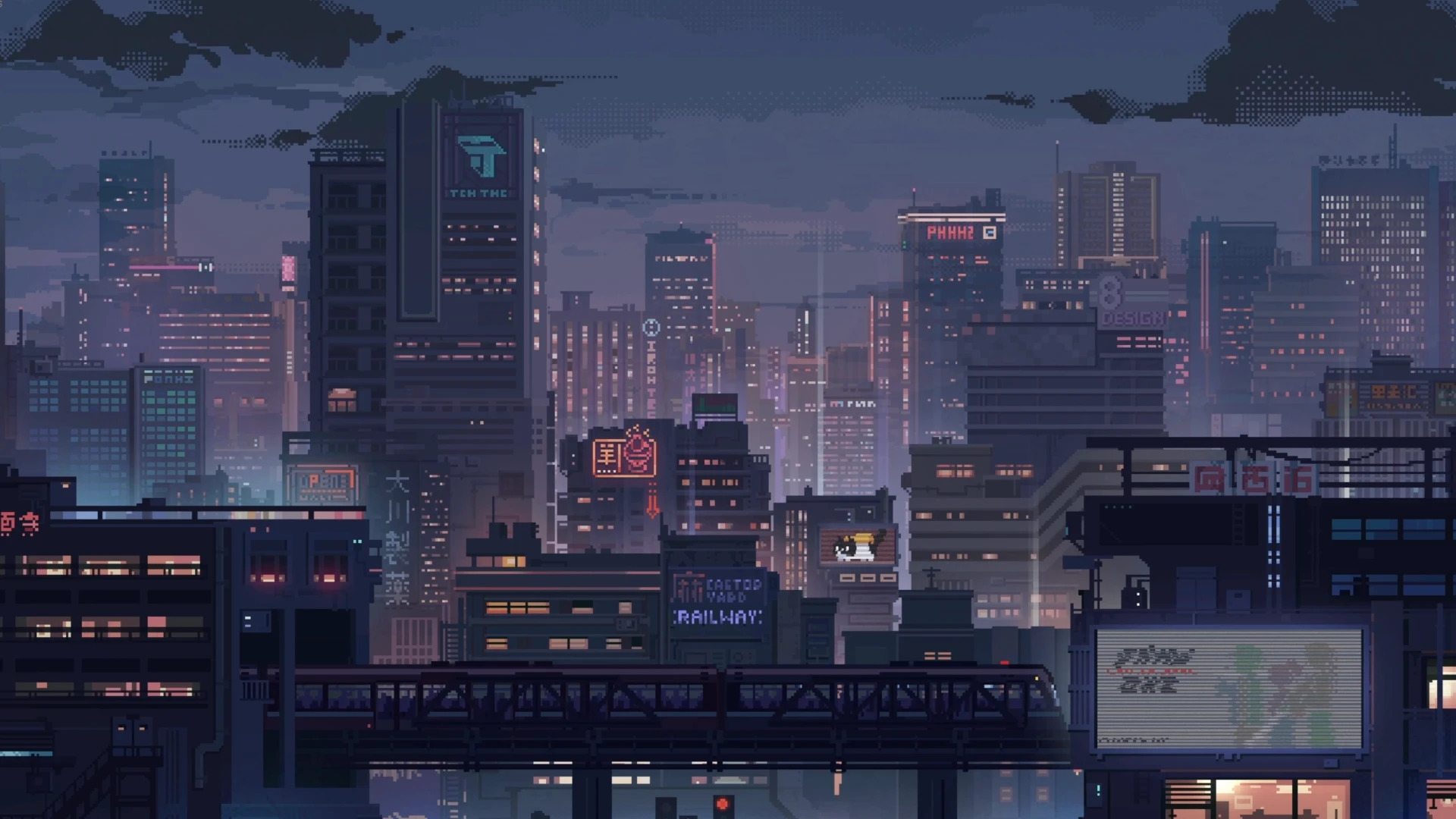
This cyberpunk pixel art wallpaper features a moody futuristic city skyline built with layered buildings, soft blue haze, glowing windows, and small neon signs. The pixel-art style gives the scene a retro gaming feel, while the dense city layout keeps it modern and atmospheric. Because the skyline fills the frame without one oversized subject, the wallpaper feels detailed, balanced, and easy to use on a desktop screen.
The strongest part of this image is the sense of quiet city depth. Tall towers rise through the mist, while smaller rooftops, signs, windows, and rail details create a lived-in cyberpunk setting. In addition, the darker lower areas and muted sky help the neon accents stand out without overwhelming the composition. The result is a wallpaper that feels calm, cinematic, and slightly nostalgic.
Blue, purple, pink, gray, black, and dark tones give this Full HD wallpaper a polished night-city style. It works well for gaming setups, pixel art themes, dark desktops, and users who want a futuristic city background with softer contrast. Since the upper sky and many edge areas remain darker, icons and folders can stay readable without covering the best skyline details.
How this cyberpunk pixel art wallpaper turns a night skyline into a clean desktop scene
- Retro city atmosphere: pixel-art buildings, glowing windows, and neon signs create a strong futuristic mood.
- Layered skyline depth: rail lines, rooftops, and distant towers give the wallpaper a detailed cityscape feel.
- Desktop-friendly balance: muted colors and darker outer areas help icons stay easier to place and read.
For more game-inspired backgrounds, browse the Gaming collection. If you like the darker futuristic palette, explore more options in the Dark wallpapers hub.
To understand how 1920×1080 works well for Full HD desktop screens, review display resolution basics on Wikipedia.
Tip: Place icons along the darker upper-left sky or lower corner areas so the pixel city skyline stays clean and visible.