Home / Desktop Wallpaper Setups: 4K, Ultrawide & Dual Monitor

Desktop Wallpaper Setups: 4K, Ultrawide & Dual Monitor

REAL SETUP PREVIEWS

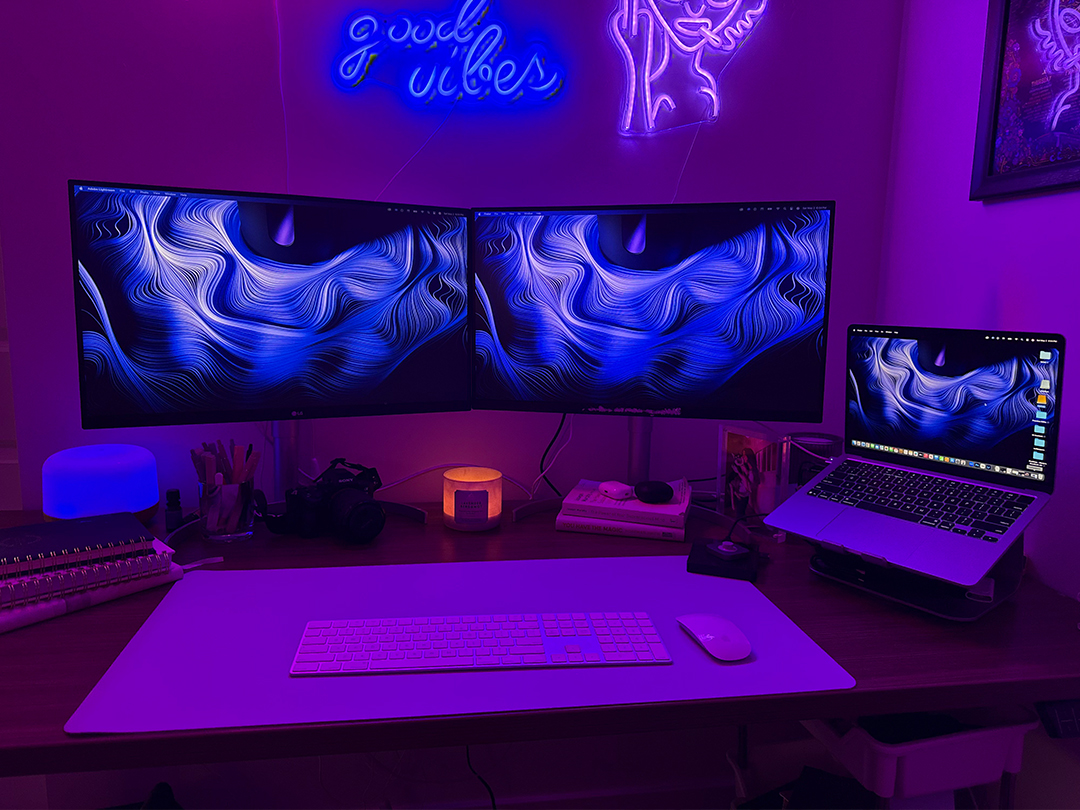
Desktop Wallpaper Setups: See How Wallpapers Look on Real Screens

Choosing the right wallpaper isn’t just about the image — it’s about how it actually looks on your screen.

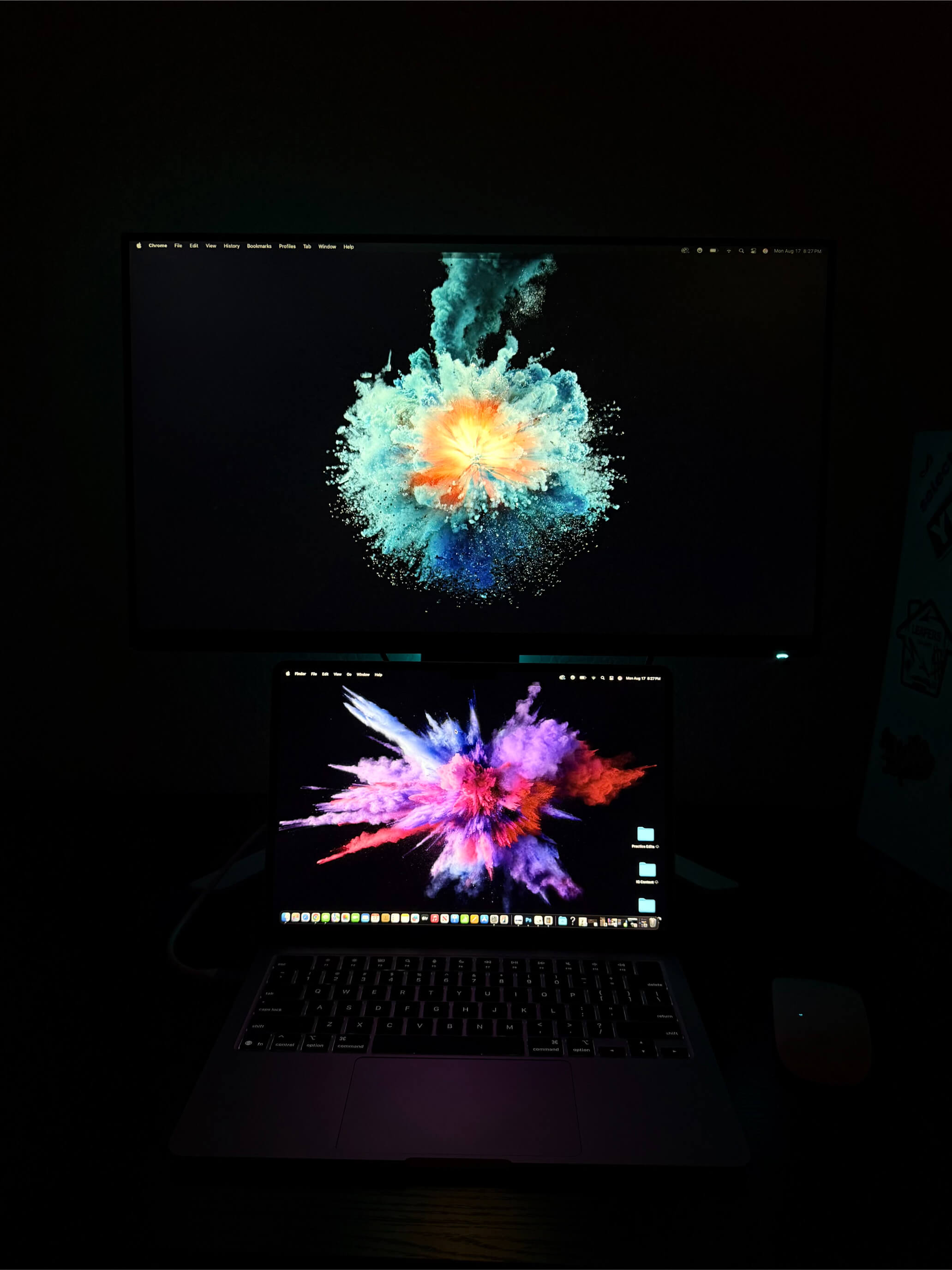
These real desktop setups show how Backdrova wallpapers perform across ultrawide, dual monitor, and 4K displays — so you can preview before you download.


See How These Wallpapers Actually Look in Real Setups

These aren’t staged mockups or generic previews — they’re real desktop setups using Backdrova wallpapers.

Seeing a wallpaper in isolation only tells part of the story. These examples show how each design actually feels in a real environment — across lighting conditions, screen sizes, and desk setups.

Whether you’re running an ultrawide display, dual monitors, or a clean minimal workspace, this gives you a clear sense of how each wallpaper will look before you download.

Real setups. Real screens. No guesswork.

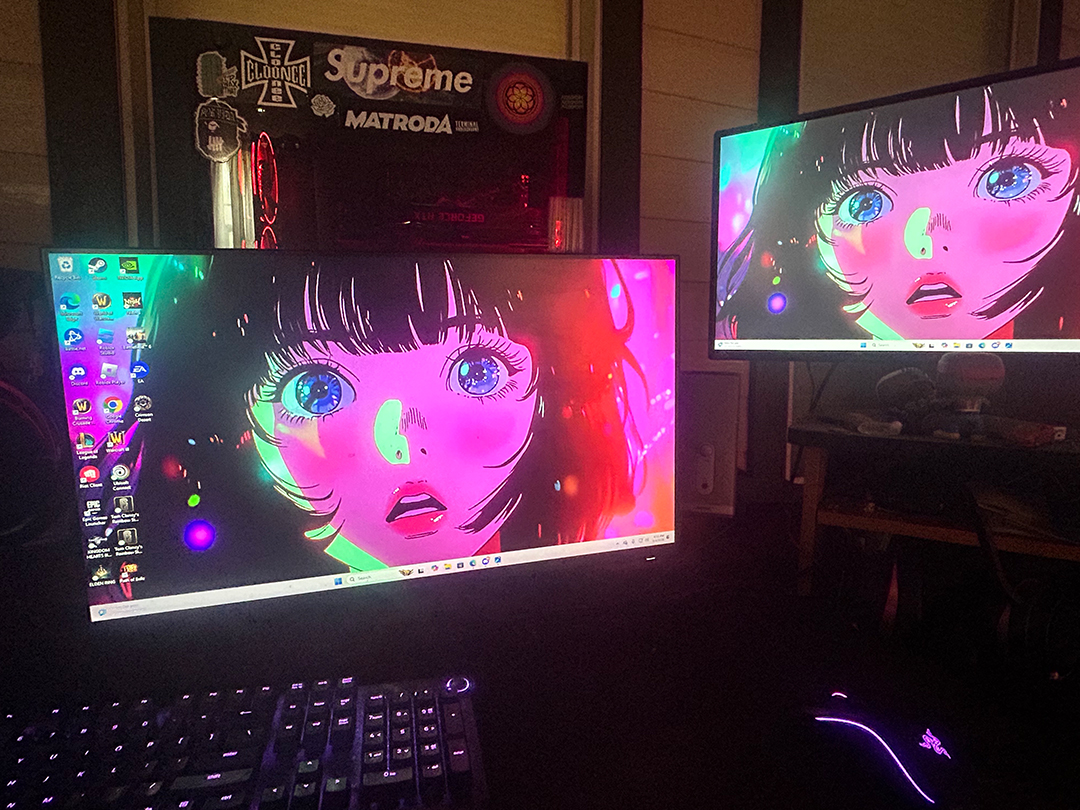
Neon Anime Portrait
Resolution: 3840 × 2160
Setup: Dual Monitor / Gaming
Download Wallpaper

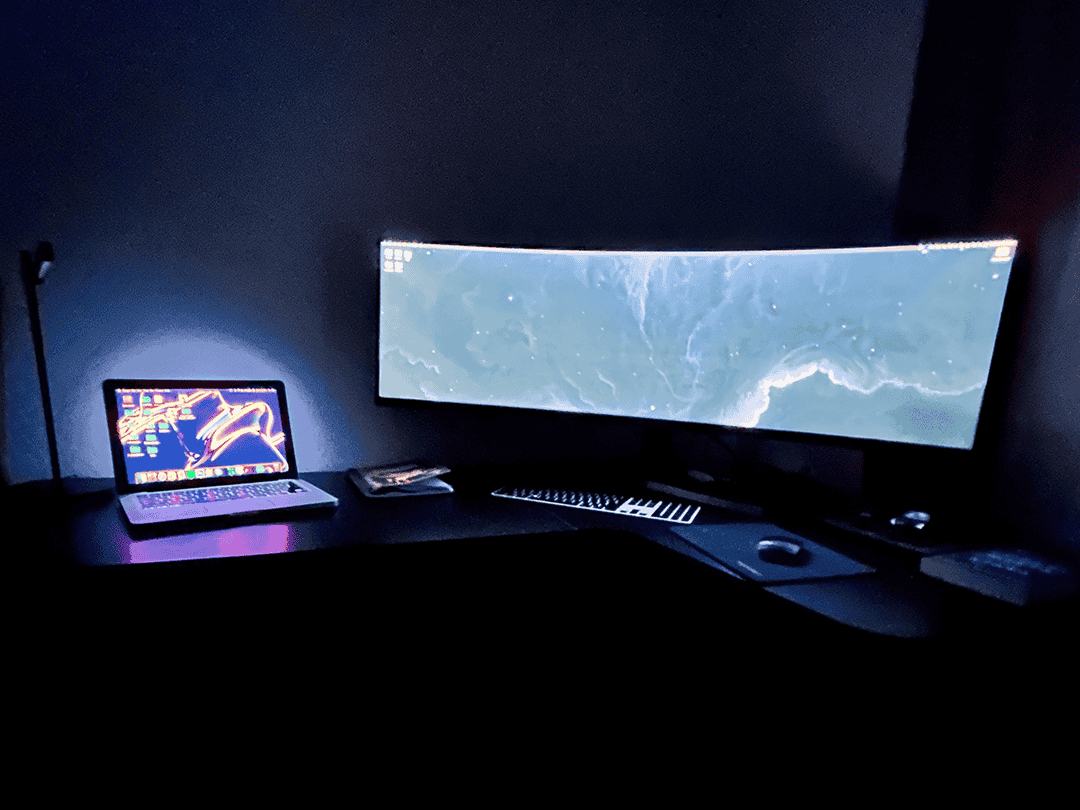
Deep Blue Nebula
Resolution: 3840 × 2160
Setup: Minimal Workspace
Download Wallpaper


How Wallpapers Look Across Different Setups

Ultrawide Displays

Ultrawide monitors require wallpapers that maintain composition across extended width. Wallpapers with centered subjects or flowing designs tend to perform best without distortion.

Dual Monitor Setups

Dual displays can either extend a wallpaper or display separate images. Seamless designs work best for extended setups, while bold centered visuals perform well individually.

4K & Standard Displays

High-resolution wallpapers ensure sharpness and clarity, especially on larger monitors. Using properly scaled images prevents stretching and preserves detail.


Why These Examples Matter

Most wallpaper sites show isolated images without context. Backdrova focuses on real-world usage — helping you understand how wallpapers actually look in real environments.

  • Real setup previews: see wallpapers in actual use
  • Better selection decisions: choose what fits your screen
  • Consistent experience: wallpapers designed for multiple display types
  • No guesswork: preview before downloading