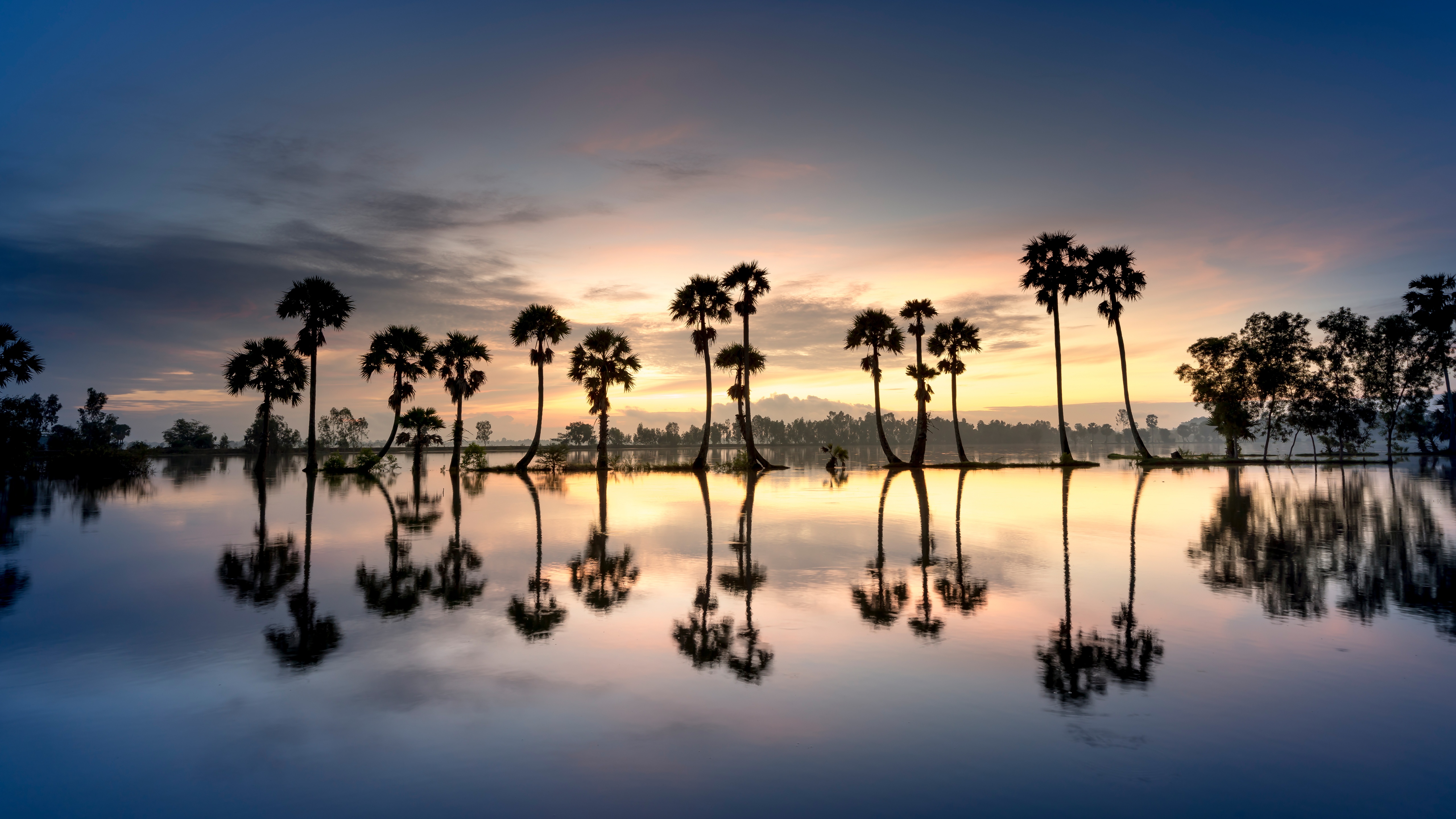
4K • Ultra-Wide • 1440p +1 more
Backdrova is a curated wallpaper library built for crisp screens and clean crops. Download 4K, ultra-wide, iPhone, Android, and dual-monitor sizes — free for personal use.
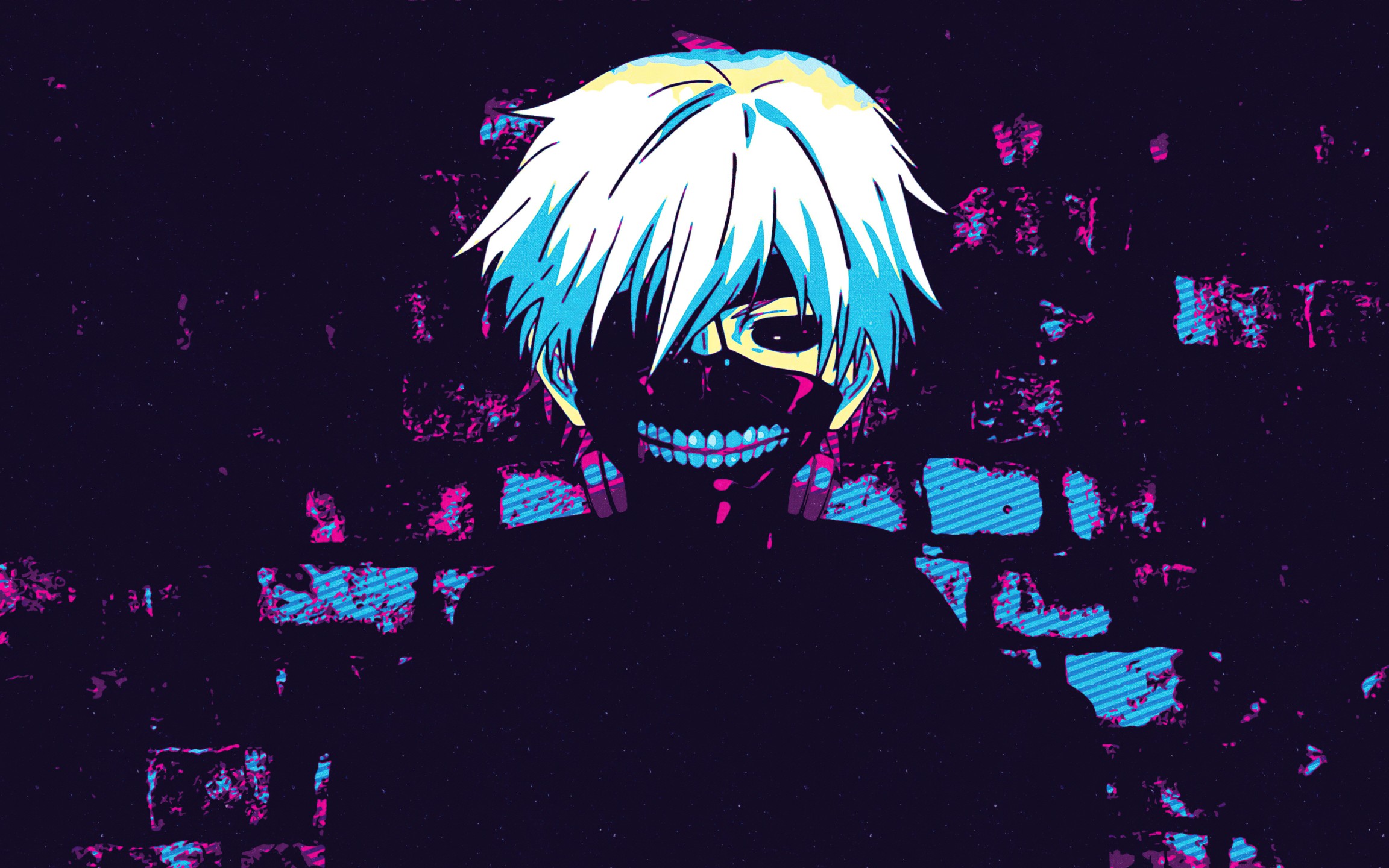
Fresh uploads in multiple resolutions — updated daily for crisp detail and fast downloads.
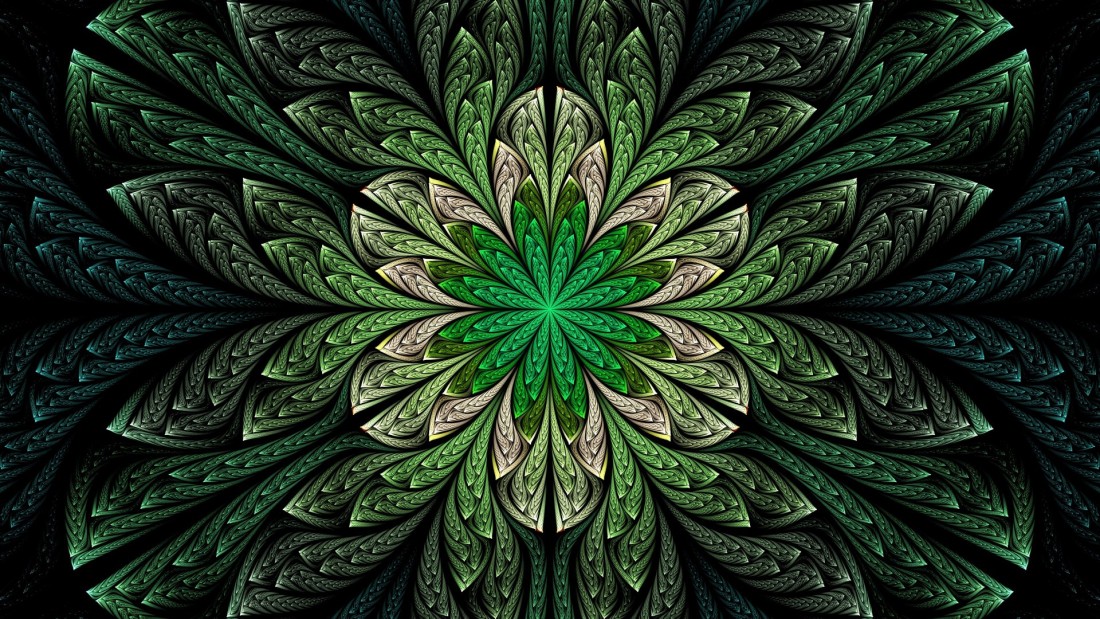




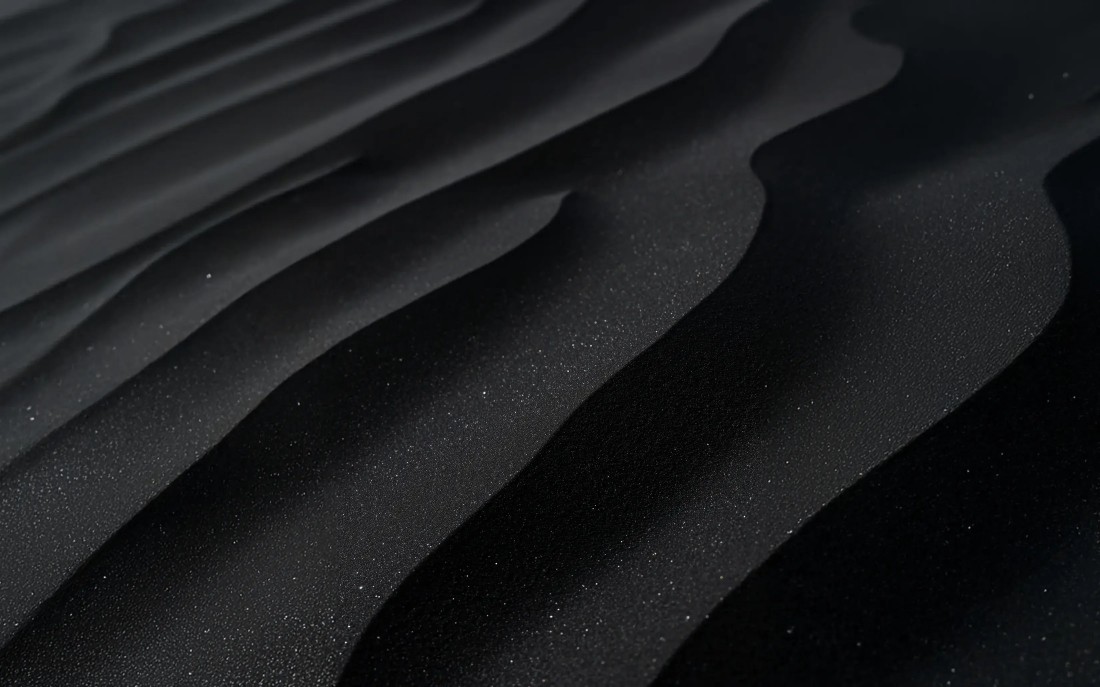


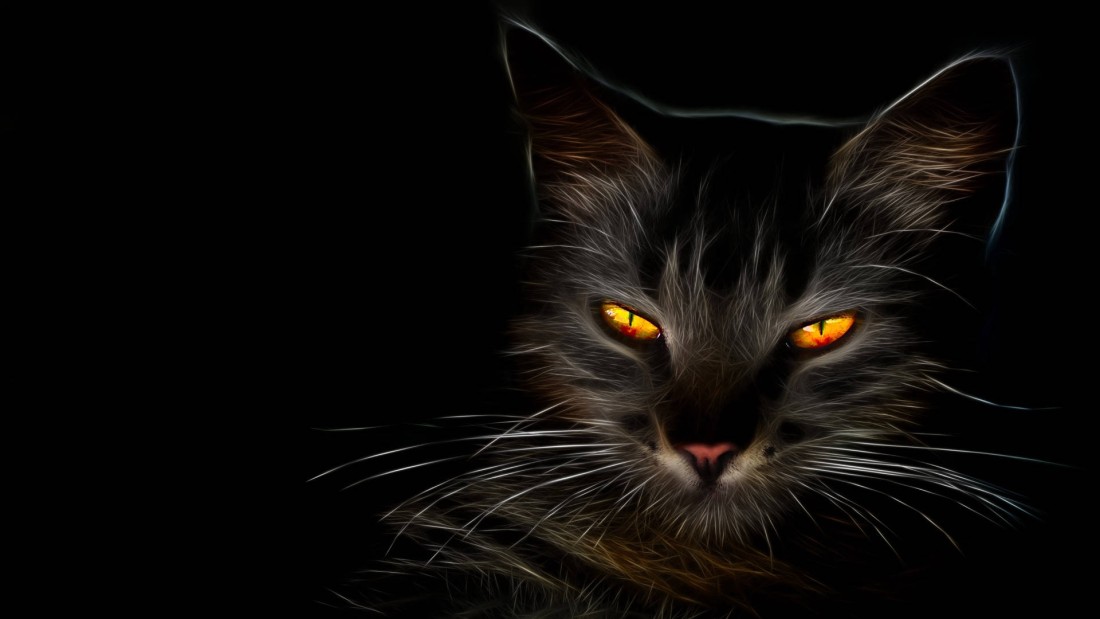



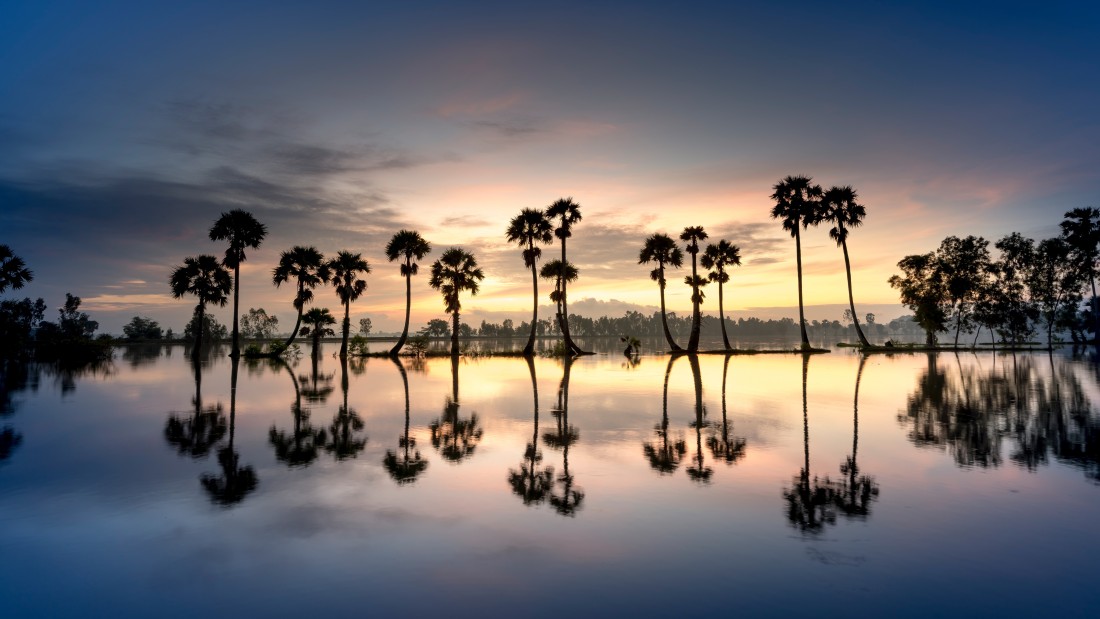

Explore our most-downloaded categories. Each collection is built to feel cohesive on your home screen.
Download free wallpapers sized for iPhone, Android, Ultra-Wide, and desktop 4K setups. Prefer a specific vibe? Browse by dark / black, blue, or explore our collections to find a set that matches your home screen.
Yes — Backdrova wallpapers are free for personal use.
Most wallpapers include 4K, ultra-wide, 1440p, iPhone, and Android sizes (when available).
Start with a device hub (iPhone/Android/Ultra-Wide/Dual-Monitor) or use the download button on each wallpaper card.
We publish new sets regularly — check the Latest Wallpapers section for fresh drops.
Free wallpapers should look sharp, load fast, and fit your device without awkward cropping. Backdrova is built for clean home screens—curated sets organized by device, color, and collection so you can find a match in seconds.
Start with the device hubs for the most reliable sizing: iPhone, Android, Desktop, Ultra-Wide, and Dual-Monitor. Most sets include multiple sizes like 4K and 1440p, so your background stays crisp without stretching—and you don’t have to guess which file will look best.
Want a specific vibe? Try black, blue, or pink themes, then explore collections for cohesive sets that feel consistent across screens. Collections are great if you like your lock screen and home screen to match, or if you rotate backgrounds and want everything to feel “on brand.”
If you want an easy upgrade, start with a minimal wallpaper and a cohesive color theme. Darker backgrounds help icons pop, while softer gradients feel clean without distracting from widgets. For wide monitors, choose an ultra-wide file so the main subject stays centered instead of getting pushed to the edges.
If you’re curious about how wallpaper sizing works in general, this overview is helpful: Wallpaper (computing).
New free wallpapers drop regularly—check Latest Wallpapers on the homepage, or browse all wallpapers anytime. If you’re building a clean setup, start with a collection and then fine-tune by color for the fastest results. Backdrova is your home base for free wallpapers that feel premium, organized, and easy to download.
Subscribe to our newsletter to get our newest wallpapers instantly.